Compress PDF
Upload a PDF to reduce its file size. Choose your compression level below.
Checking free uses… · Up to 200 MB per file · Pro $8.99/mo · 4 GB · unlimited
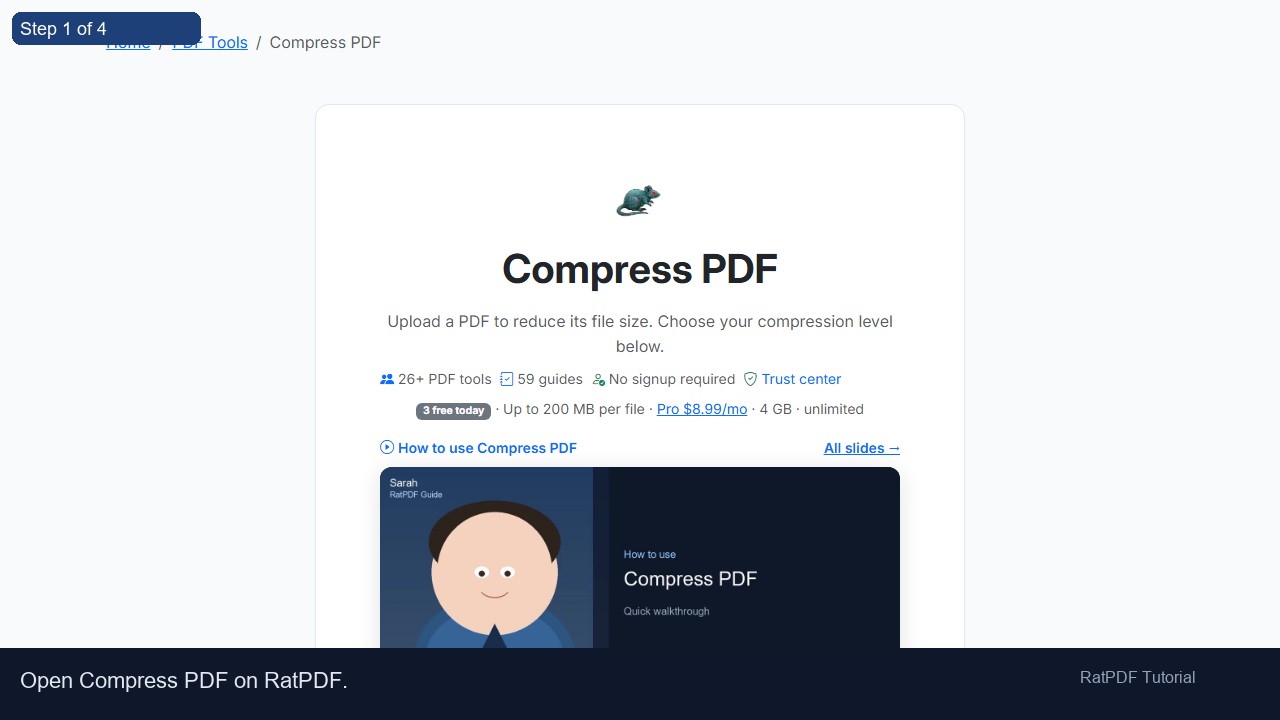
How to use Compress PDF
All slides →4 step slides · red markers show where to click
 1
1
 2
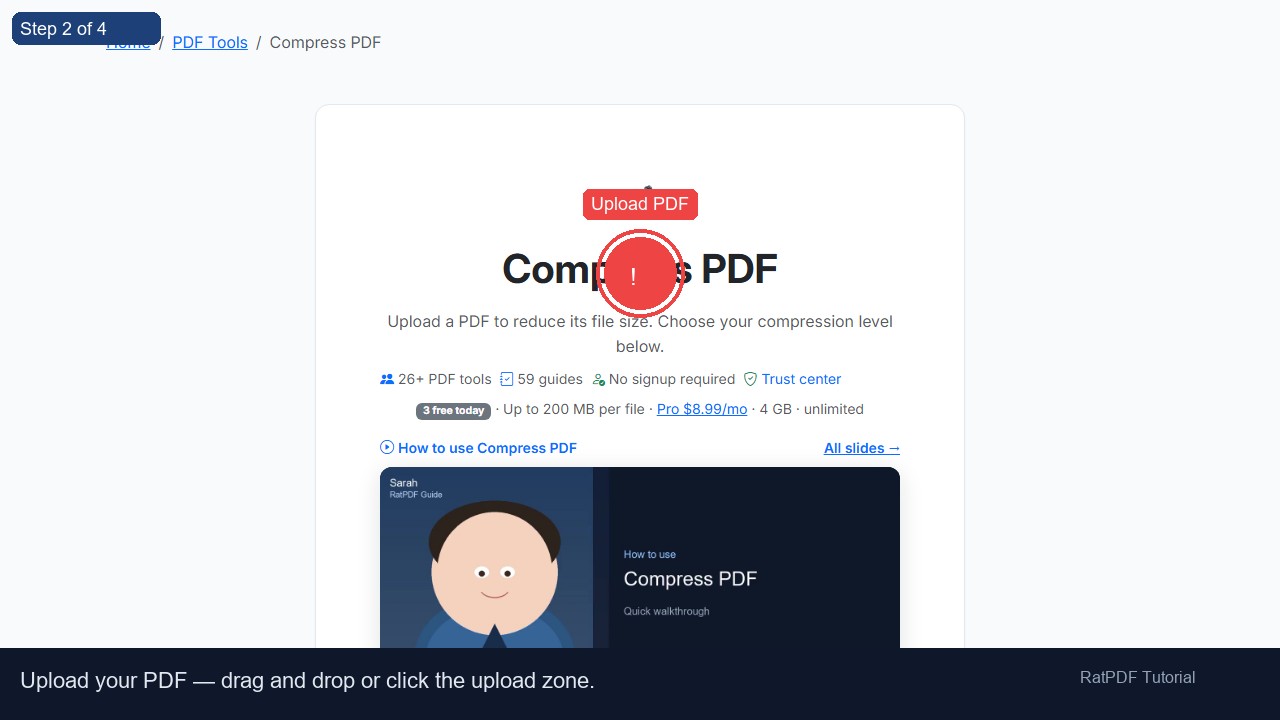
Upload PDF
2
Upload PDF
 3
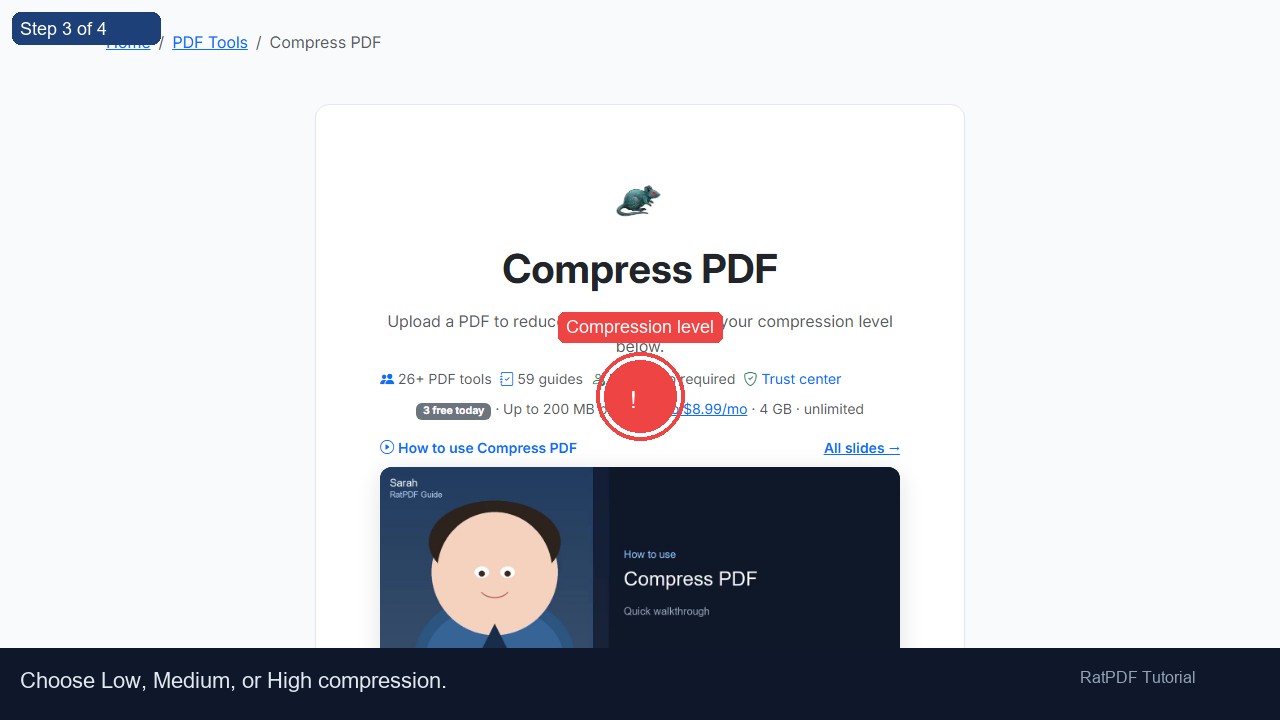
Compression level
3
Compression level
 4
Compress button
4
Compress button
Drag & drop PDF here or click to select
How to Compress a PDF File Online – The Complete Guide
Large PDF files are one of the most common friction points in modern digital workflows. Whether you’re trying to send a report to a colleague, upload a portfolio to a job portal, or attach a scanned contract to an email, an oversized PDF can stop you in your tracks. Email servers reject attachments over 25 MB, cloud storage quotas fill up faster than expected, and recipients on slow connections may struggle to download your file.
Our free online PDF compressor solves this problem instantly. Unlike browser‑only tools that simply re‑render pages as images (often making files larger), our service uses browser‑side compression – the same industry‑standard engine behind professional PDF software. It intelligently downsamples images, subsets fonts, strips redundant metadata, and optimises the internal object structure, delivering real, meaningful size reduction for every kind of PDF: text‑heavy documents, vector drawings, scanned images, and everything in between.
No registration, no software to install, and absolutely free. In this comprehensive guide, you’ll learn exactly how the compression works, how to choose the right compression level, and how to get the best results for your specific document.
Why PDF File Size Matters
A PDF’s file size directly affects how easily you can share, store, and work with it. Here’s why reducing that size can make a huge difference:
- Email deliverability – Most email providers cap attachments at 20‑25 MB. A compressed PDF ensures your message reaches the recipient’s inbox instead of bouncing.
- Website uploads & portals – Job boards, government portals, and grant application systems often enforce strict file size limits (2‑10 MB). Compression keeps you compliant.
- Cloud storage & backup costs – Services like Google Drive, Dropbox, and OneDrive charge by the gigabyte. Every megabyte you save reduces long‑term storage expenses.
- Collaboration speed – Smaller files upload and download faster, keeping team workflows smooth – especially for remote workers or contributors on mobile connections.
- Archiving & record keeping – Legal and financial archives grow quickly. Compressed PDFs save terabytes when scaled across an organisation.
- Customer experience – If you share PDFs with clients (catalogues, proposals, menus), a smaller file loads quicker on their device, showing respect for their time and bandwidth.
How Our Online PDF Compressor Works
Many free online tools rely on browser‑based JavaScript rasterisation: each page is converted to a JPEG and embedded into a brand‑new PDF. While convenient, that approach often increases the file size for text‑heavy or vector documents, and it can degrade quality significantly.
Our compressor is fundamentally different. It employs server‑side processing , a mature, battle‑tested PostScript and PDF interpreter. Rat Pdf analyses the PDF at the object level and applies these optimisations:
- Image downsampling – Embedded photos and scans are resampled to a lower resolution (e.g., 150 dpi or 72 dpi) and re‑compressed with efficient JPEG or JPEG‑2000 encoding. This slashes image‑heavy file sizes while preserving acceptable visual quality.
- Lossless object pruning – Redundant metadata, unused named destinations, private application data, and duplicate objects are removed. This often shrinks text‑heavy PDFs by 10‑30% without any visual change.
- Font subsetting – Only the characters actually used in the document are embedded. If your PDF includes full font sets, subsetting can trim megabytes from the file.
- Content stream optimisation – Inefficient operators and white‑space in the page descriptions are cleaned up, making the file parse faster and slightly smaller.
- Colour space conversion – Images stored in unnecessary high‑depth colour spaces can be converted to device‑RGB or grayscale, reducing data without obvious loss.
Because all processing happens on our high‑performance servers, there’s no burden on your device’s CPU or memory. The result: a truly optimised PDF that is always smaller or equal to the original, never larger.
Step‑by‑Step Guide to Compressing Your PDF
Follow these five simple steps to shrink your PDF in under a minute:
-
Upload your PDF
You can drag & drop the file directly onto the upload area, or click to browse your device. The tool accepts any standard PDF, regardless of how many pages it has. A file preview will appear instantly, showing the file name, original size, and a thumbnail of the first page – so you know exactly which document you’re about to compress. -
Choose a compression level
Three distinct levels give you full control over the trade‑off between size and quality:- Extreme Compression – maximum shrinkage (70‑90% reduction) for thumbnails, quick previews, or when file size is everything.
- Recommended Compression – the sweet spot between quality and size (40‑65% reduction), ideal for email and everyday sharing.
- Less Compression – high visual fidelity (10‑30% reduction) for professional printing, legal documents, and archival copies where quality matters most.
-
Click “Compress PDF”
The file is transmitted securely over HTTPS to our server. Rat Pdf immediately begins processing. A progress indicator shows the status, though most files complete within 5‑15 seconds depending on size and complexity. -
Review the size report
Once compression finishes, you’ll see exactly how much was saved: original size vs. compressed size, along with the percentage reduction. This transparency helps you decide whether to use the compressed version or try a different level. -
Download your compressed PDF
Click the download button to save the optimised file to your computer or phone. The original file on your device is never overwritten – you keep both. After download, the file is automatically deleted from our server; no copy is retained.
Compression Levels in Detail
Selecting the right compression level depends on how you intend to use the PDF. Below is an in‑depth look at each preset, including the underlying Rat Pdf parameters and real‑world trade‑offs.
| Level | Image DPI | JPEG Quality | Typical Reduction | Best For |
|---|---|---|---|---|
| 🚀 Extreme Compression | 72 dpi | Low (40) | 70 – 90% | Internal previews, web thumbnails, reducing file size at any cost |
| ⚖️ Recommended Compression | 150 dpi | Good (72) | 40 – 65% | Email attachments, everyday sharing, online forms |
| 🛡️ Less Compression | 300 dpi | High (92) | 10 – 30% | Printing, legal documents, archival copies, photography portfolios |
Extreme Compression (72 dpi, low JPEG quality): RatPdf resamples all images to 72 dots per inch – the standard for on‑screen viewing – and compresses them with a low JPEG quality factor. Fonts are subsetted aggressively, and metadata is stripped. The visual result may show mild pixelation in photos and some loss of fine detail in diagrams, but text remains readable. Use this level when you need to squeeze a 20 MB catalogue down to 2 MB for a quick web upload.
Recommended Compression (150 dpi, good JPEG quality): This is the default and most balanced preset. Images are downsampled to 150 dpi, which is more than enough for screen viewing and standard office printing. JPEG compression is set to a quality that preserves the overall look of photographs without noticeable artefacts. Font subsetting and object cleanup are applied at moderate intensity. Most users will be completely satisfied with the result – a file that is nearly indistinguishable from the original at half the size or less.
Less Compression (300 dpi, high JPEG quality): Aimed at professionals, this level retains 300 dpi images – the minimum standard for high‑quality printing. JPEG quality is kept high to avoid any visible compression artefacts. Fonts are lightly subsetted, and only the most aggressive metadata stripping is disabled. The size reduction may be modest (10‑30%), but the PDF remains virtually identical to the original. Perfect for legal contracts, engineering drawings, and documents destined for a commercial printer.
Why Server‑Side Compression Outperforms Browser Tools
Most free PDF compressors process the file entirely inside your web browser using JavaScript libraries like pdf‑lib or PDF.js. They convert each page to a low‑resolution image and wrap those images into a new PDF. While convenient, this method has serious drawbacks:
- File size increase risk – Text and vector graphics, which are stored very efficiently as mathematical instructions, get replaced by bulky pixel data. A 1 MB text report can balloon to 5‑10 MB after rasterisation.
- Loss of text searchability – The output PDF contains only images, so Ctrl+F, copy/paste, and screen readers stop working. Our server‑side compression preserves text as text.
- No font optimisation – Browser tools can’t subset fonts or remove unused glyphs, leaving megabytes of unnecessary font data in the file.
- Performance limits – Rendering 200 pages in a browser tab can freeze the UI or crash on mobile devices. Our server handles heavy lifting without affecting your device.
By relying on rat pdf on the server, we deliver a PDF that retains all text, links, bookmarks, and structure while actually shrinking the file. The result is a real PDF, not a picture of a PDF.
Common Use Cases for Online PDF Compression
People from every industry rely on fast PDF compression. Here are the most frequent scenarios our users encounter:
- Email attachments – HR professionals sending offer letters, invoices, or employee handbooks; students emailing assignments; freelancers delivering project files. Recommended compression works best.
- Online applications – Job portals (LinkedIn, Indeed), university admission systems, and government service websites often reject PDFs above 2 MB. Extreme compression guarantees compliance.
- E‑commerce product catalogues – Image‑heavy catalogues can exceed 50 MB. Compressing them to a few megabytes allows customers to download them quickly on mobile data.
- Legal and medical records – Scanning large case files at high resolution produces unwieldy PDFs. Less Compression preserves detail while making the files manageable for digital archiving.
- Creative portfolios – Photographers and designers want to showcase their work online without sacrificing visual quality. Less Compression ensures that colours and details remain crisp.
- Print‑ready documents – Commercial printers often require PDFs under a certain size for their upload portals. Using our tool before submission avoids upload errors while keeping print resolution intact.
Tips to Get Even Smaller PDFs (Before Compression)
While our compressor automatically handles the heavy lifting, a few document‑preparation steps can lead to even better results:
- Remove unnecessary pages – Delete blank pages, duplicate content, or instruction sheets you no longer need. Every page you remove is direct size savings.
- Avoid full‑color scans when black‑and‑white will do – Grayscale images are much smaller than colour. If your document doesn’t require colour, scan in grayscale or convert before uploading.
- Use ‘Save As’ instead of ‘Print to PDF’ – Printing to PDF often embeds full printer fonts and high‑resolution raster overlays. Saving directly from your application (Word, PowerPoint, etc.) creates a cleaner original PDF that compresses better.
- Check embedded fonts – If you’re creating a PDF from a design tool, choose “subset fonts” if available. That alone can cut several megabytes.
- Resize large images before importing – A 5000×5000 pixel photo scaled down to a 2‑inch slot in the PDF still carries the full original image data. Use image‑editing software to reduce the resolution to the intended display size before placing it in your document.
Is Your PDF Safe? Security & Privacy Explained
We take document security extremely seriously. The entire transfer between your browser and our servers is encrypted with TLS (HTTPS), ensuring no one can intercept the file in transit. Once the file arrives:
- Immediate processing, immediate deletion – The file is queued, compressed by Rat PDF, and the compressed version is sent back to you. Within seconds of the download starting, the original and the compressed file are permanently erased from our temporary storage. No human ever views your document.
- No backups, no logs of content – Our logging systems record only anonymous metrics (e.g., how many compressions were performed) – never the file contents or even the original filename.
- Compliance – This infrastructure is designed with privacy in mind and is suitable for sensitive documents, including those covered by NDAs, medical records (subject to local regulations), and financial reports.
For users handling extremely confidential data (e.g., classified government documents), we recommend always verifying your organisation’s IT policy; but for the vast majority of personal and business needs, the service is fully secure.
Frequently Asked Questions (FAQ)
Q: Is it really free? Are there any hidden fees?
Yes, it’s completely free. We don’t ask for credit card information, and there is no “freemium” upsell. You can compress as many PDFs as you need without paying anything. The service is supported by non‑intrusive advertising on the website.
Q: Do I need to create an account?
No registration or login is required. Just visit the page, upload your file, and compress. Your privacy is better protected because we don’t even know who you are.
Q: Will the compression reduce the quality of my text?
No. Because we process the PDF natively with Rat Pdf, text remains vector‑based and fully searchable. Only embedded images are downsampled. Even at Extreme compression, the text itself remains sharp and selectable.
Q: What happens to bookmarks, hyperlinks, and form fields?
All interactive elements – hyperlinks, internal document links, bookmarks, and form fields – are preserved through the compression process. You won’t lose any document functionality.
Q: Why didn’t my PDF shrink much?
If the PDF contains mostly text and vector graphics (no high‑resolution images), there is less “fat” to trim. Rat Pdf will still remove metadata and optimise the object stream, but the reduction may be only 10‑15%. That is normal and indicates your PDF was already well‑optimised. For larger gains, check if there are embedded fonts or hidden data that can be subsetted.
Q: What’s the maximum file size I can upload?
You can upload PDFs up to 50 MB. For larger files, consider splitting the document into smaller parts using a PDF splitter, then compressing each part individually. If you routinely need to compress files larger than 50 MB, feel free to contact us for enterprise solutions.
Q: Does it work on mobile devices?
Absolutely. The upload and download interface is responsive and works on iOS, Android, and any modern mobile browser. You can compress a PDF directly from your phone’s file manager or email attachment.
Q: What types of PDFs benefit the most?
PDFs with many high‑resolution images or scanned documents show the most dramatic reductions. Text‑only PDFs with full embedded font sets also shrink noticeably. Even mixed documents with both text and images will compress well with the Recommended level.
Q: Can I compress multiple PDFs at once?
Currently, the tool processes one file at a time. If you have several documents, simply repeat the process. Many users keep the page open and quickly drag & drop the next file after downloading the previous one. Batch compression may be added in a future update.
Start Compressing Your PDFs Today
Large PDFs don’t have to slow you down. With our free, server‑powered PDF compressor, you can instantly reduce file sizes while retaining text, links, and overall quality. Whether you need to meet a strict attachment limit, free up cloud storage, or simply deliver a better experience to your recipients, our tool is ready to help – no registration, no software, and no cost.
Give it a try: drag your PDF into the upload area above, pick a compression level that fits your needs, and download a perfectly compressed file in seconds. Join thousands of users who trust us every day to keep their documents small and their workflows fast.