Unlock PDF Online — Remove Password Protection
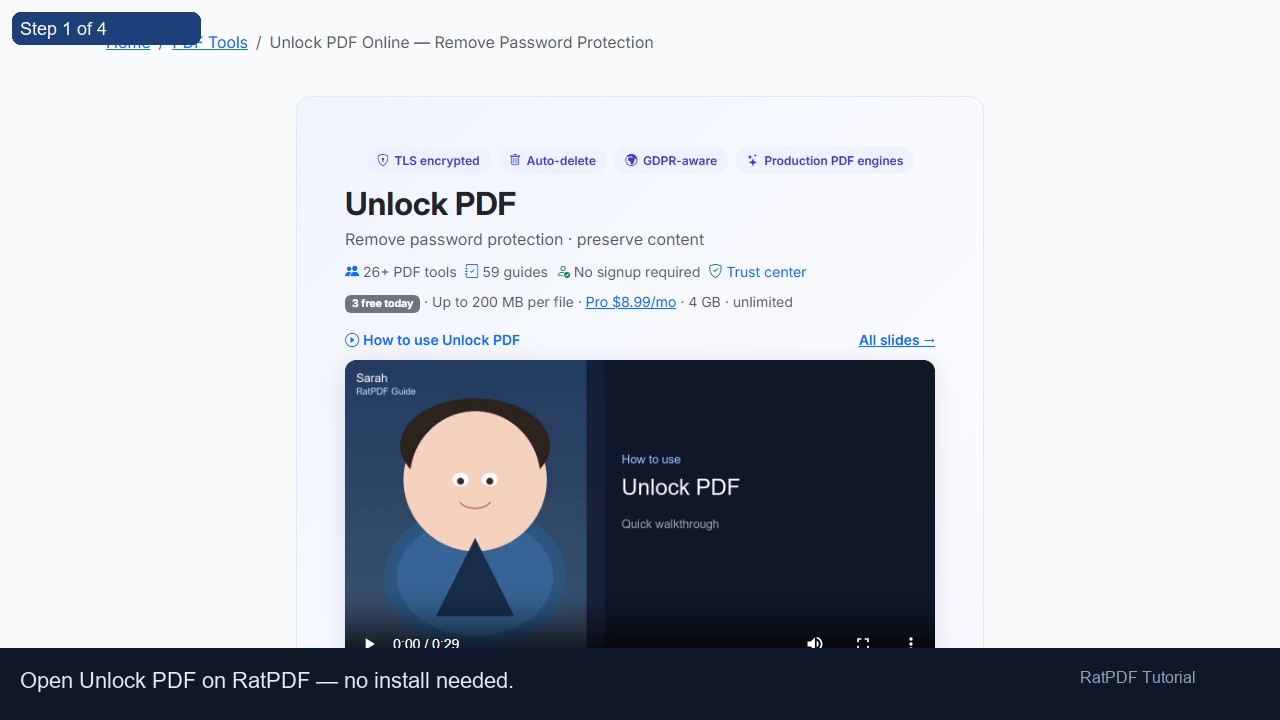
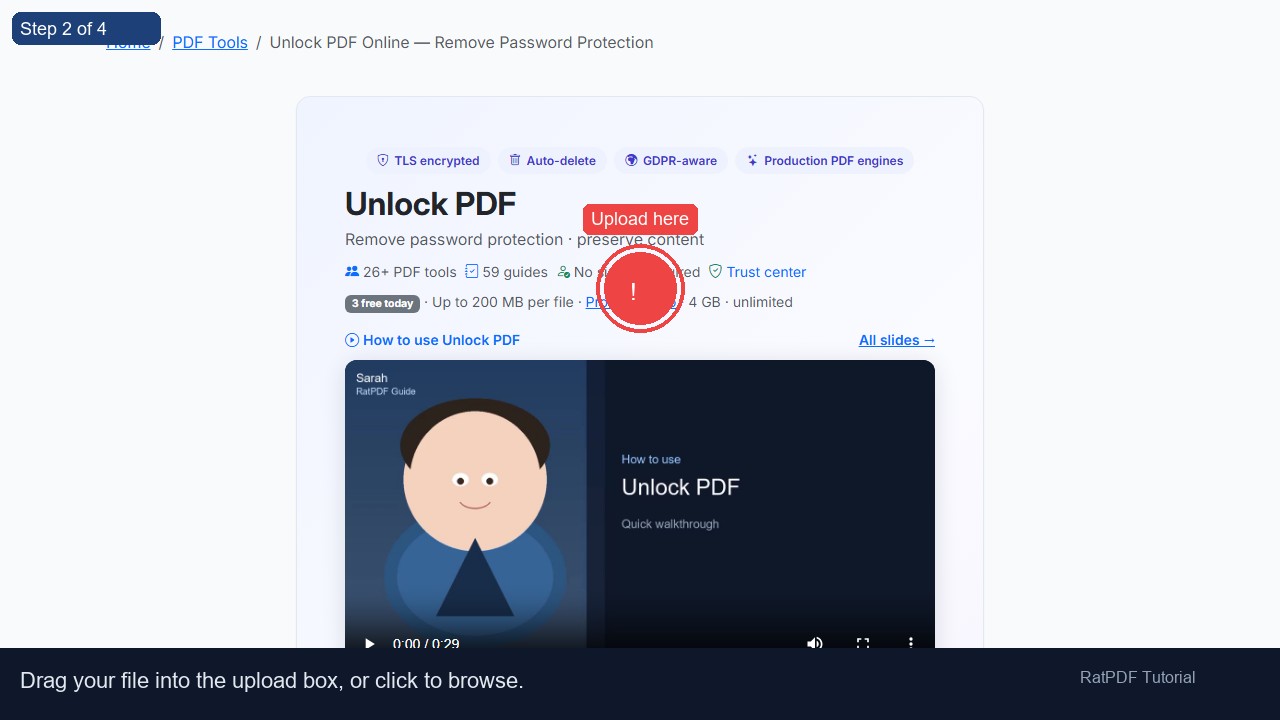
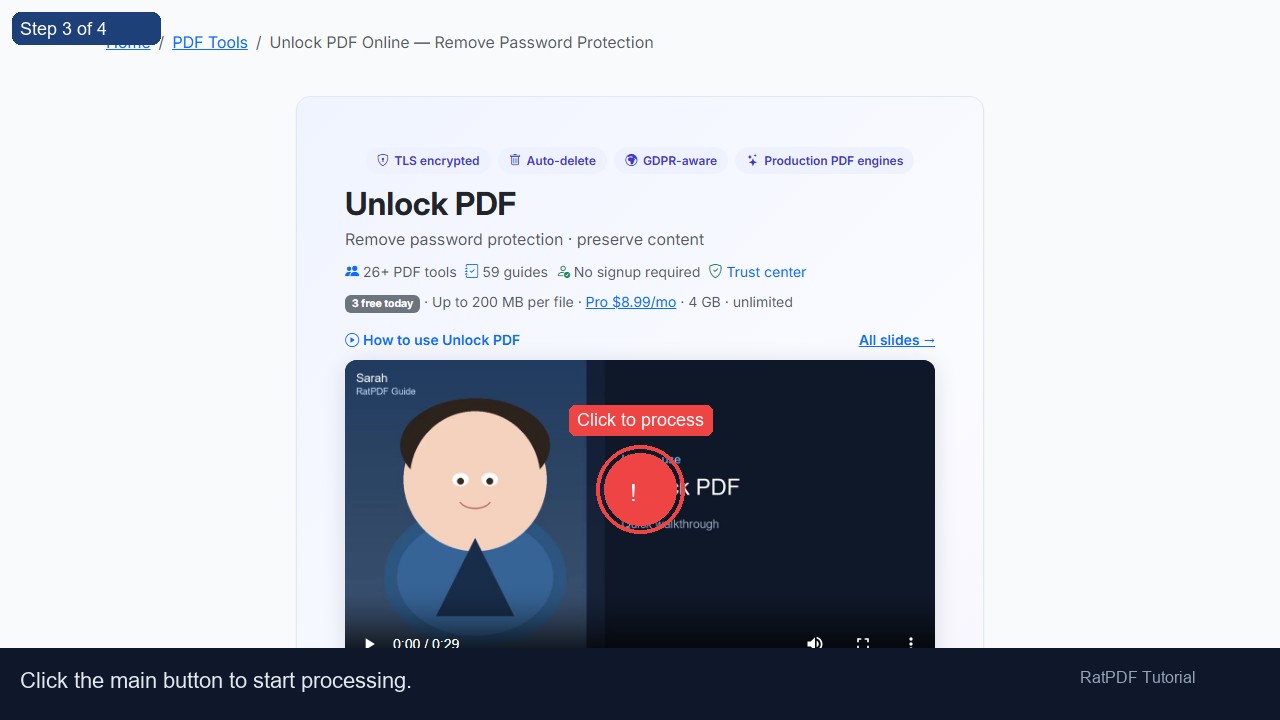
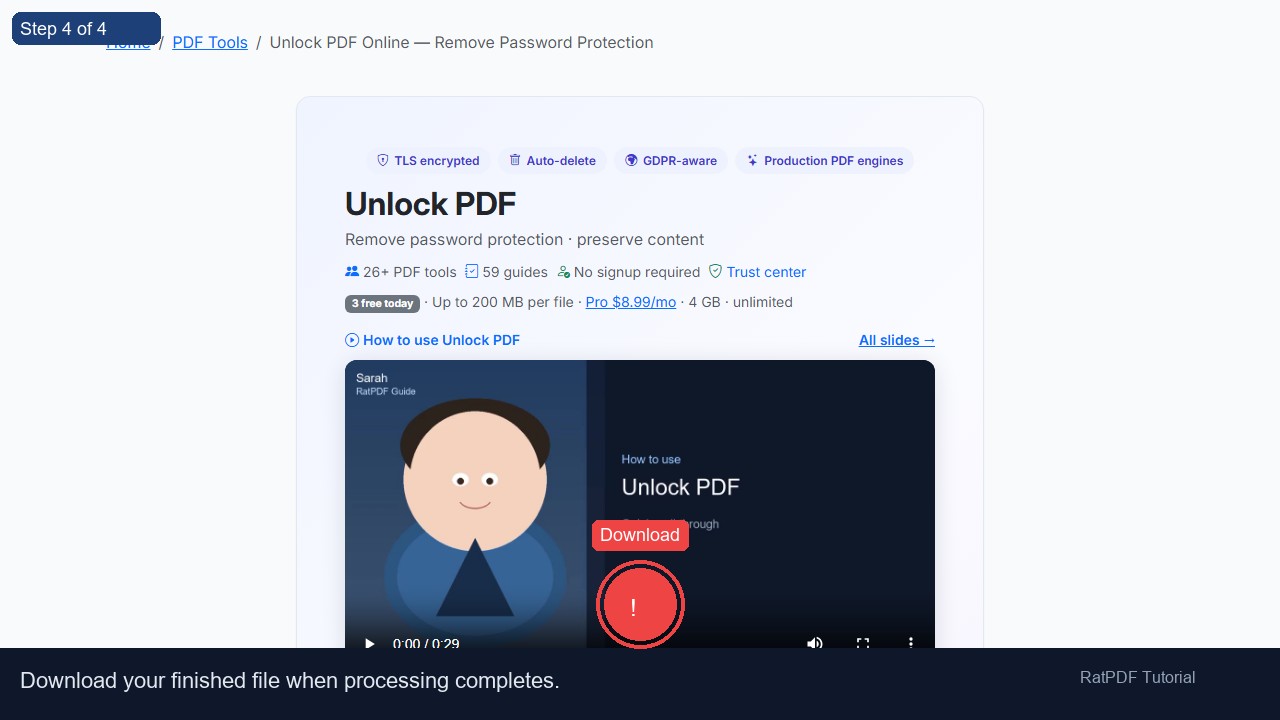
Decrypt password-protected PDFs in your browser. Enter the known password and download an unlocked copy — content, fonts, and layout preserved.
When you need to unlock a PDF
Password-protected PDFs block printing, copying, or opening without a passphrase. If you know the password but need an unencrypted copy for archiving, email, or downstream tools, RatPDF removes the encryption layer with iText — without re-rasterizing pages.
Owner vs user passwords
- User password — required to open the file.
- Owner password — restricts editing/printing even when the file opens.
Enter whichever password the PDF prompts for. After unlocking, use Compress PDF or Merge PDF on the decrypted file.
Legal & ethical use
Only unlock documents you own or are authorized to access. RatPDF does not bypass unknown passwords or crack encryption.
Security & retention
Files are uploaded over HTTPS, processed on our servers, and stored only long enough for you to download the result. Temporary copies are removed automatically; we do not use your documents to train models or build marketing lists.
Free vs Pro
- Free — 3 conversions per tool per day, 200 MB per file.
- Pro — unlimited use, 4 GB uploads, priority conversion queue. See plans.