
Merge PDFs
Combine multiple PDFs into one document — free, secure, no signup.
Checking free uses… · Up to 200 MB per file · Pro $8.99/mo · 4 GB · unlimited
How to use Merge PDF
All slides →4 step slides · red markers show where to click
 1
1
 2
Upload files
2
Upload files
 3
Reorder list
3
Reorder list
 4
Merge button
4
Merge button
Managing multiple PDF files can be cumbersome, especially when you need to combine reports, contracts, invoices, or scanned documents. Our PDF merger online offers a simple, efficient, and secure way to merge PDF files into a single, organized document without losing quality. Whether you are a student, professional, or business owner, this tool is designed to save you time and streamline your workflow.
Introduction
PDF files are one of the most popular file formats used for sharing information across different platforms. They are widely preferred for their consistency, compatibility, and security features. However, handling multiple PDF files separately can be a challenge. You might need to combine PDFs for presentations, reports, legal documentation, or record-keeping. This is where our online PDF merger comes in.
Unlike traditional software, our tool is completely web-based. There is no need to download heavy applications or worry about compatibility issues. Everything happens directly in your browser, making it accessible from any device—Windows, Mac, Android, or iOS. Most importantly, your files remain private and secure during the merging process.
With a focus on speed, convenience, and user experience, our PDF merger ensures you can combine files seamlessly in just a few clicks. Whether you are merging two PDFs or dozens, the process remains straightforward and intuitive.
Step-by-Step Guide to Using Our PDF Merger
Using our tool is designed to be simple and hassle-free, even for those who are not tech-savvy. Here’s a complete step-by-step guide:
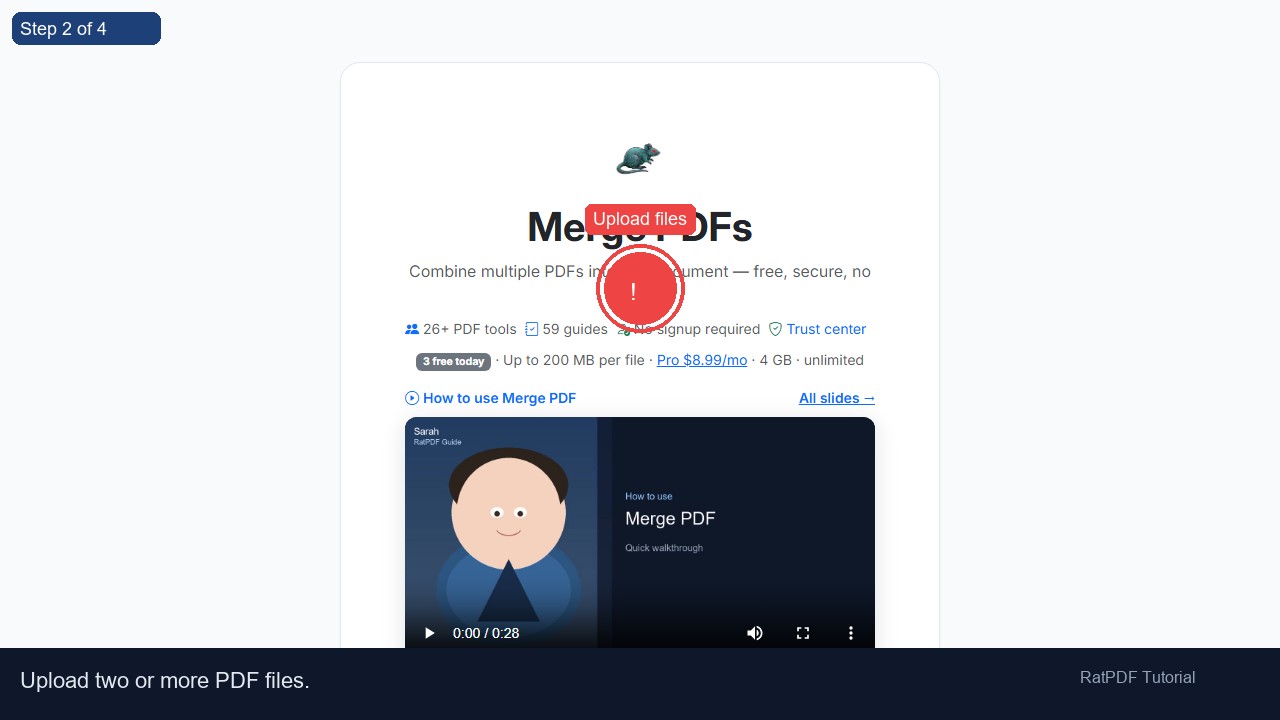
- Upload your PDF files: Drag and drop the PDFs you want to merge into the upload area or click the upload button to select files from your device. You can add multiple files at once.
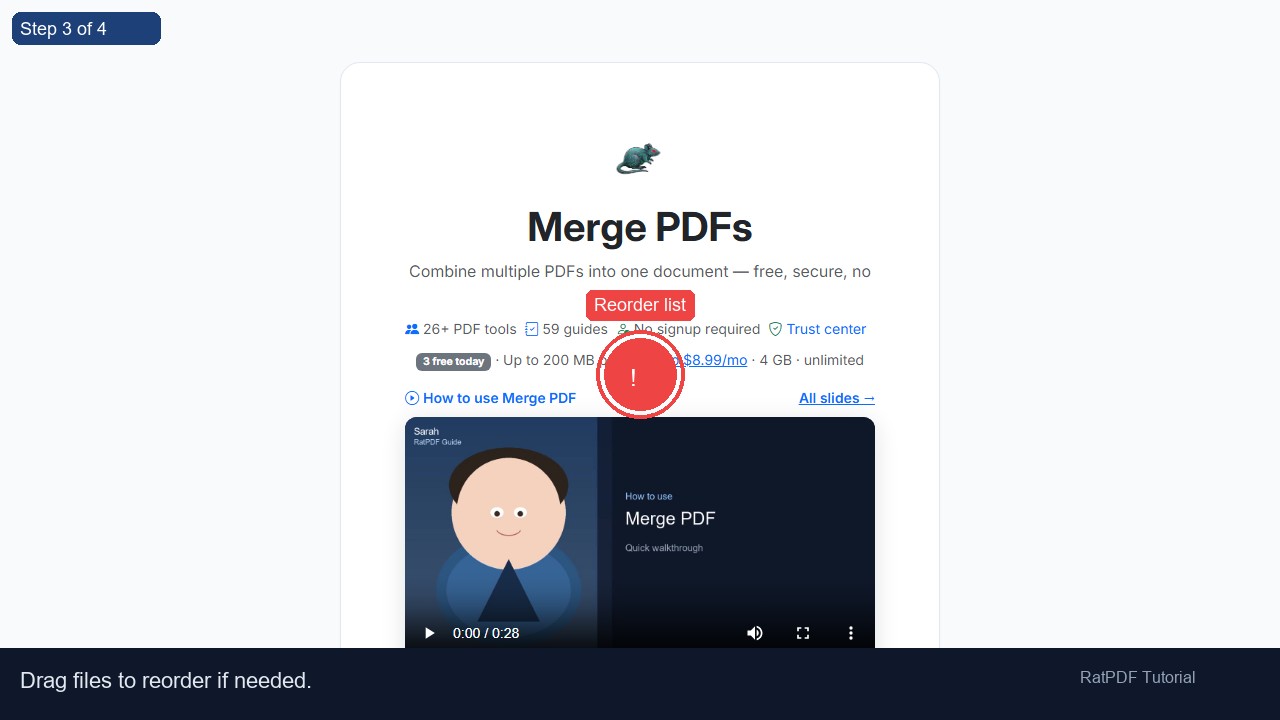
- Arrange files in order: Once uploaded, the PDFs appear in a list. Drag and drop them to reorder according to your preference. The order you set here will determine how pages appear in the final merged document.
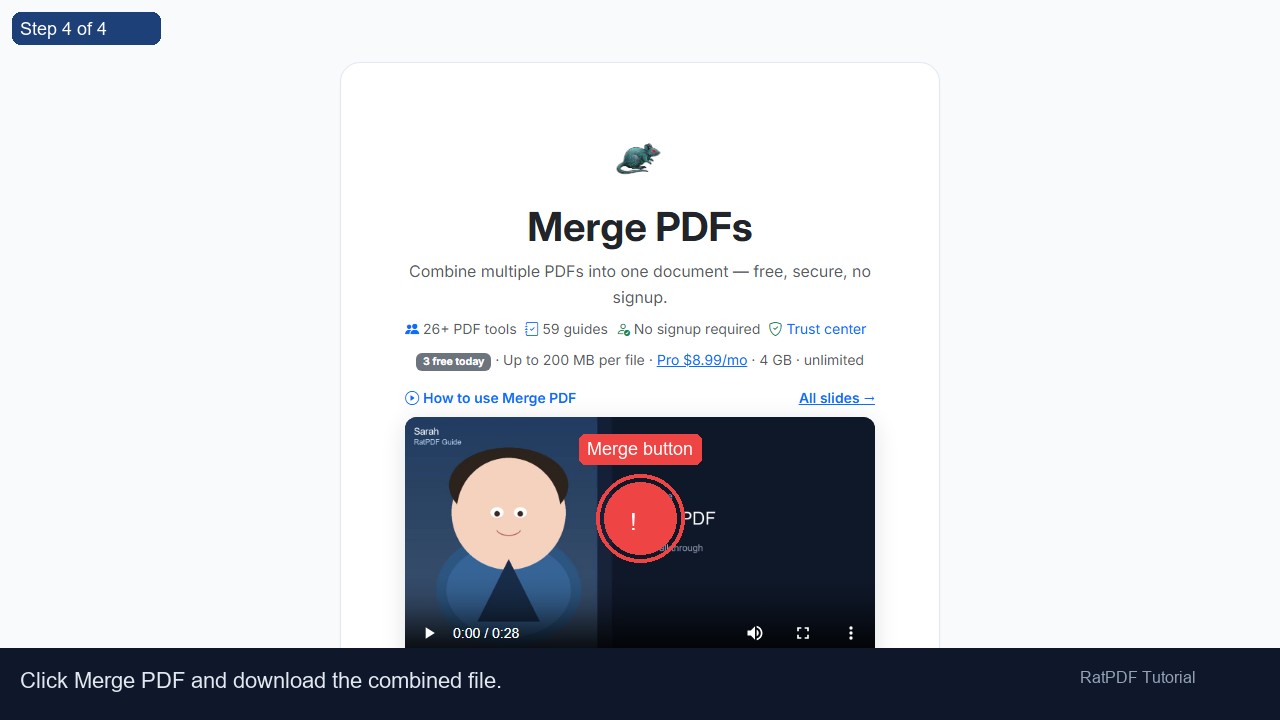
- Click “Merge PDFs”: After arranging the files, simply click the merge button. The tool will process your documents and combine them into a single PDF.
- Download your merged PDF: Once the merging process is complete, you can instantly download the combined file. Your PDF is ready to share, print, or archive.
The entire process typically takes just a few seconds, depending on the size of your files. There are no hidden costs, no watermarks, and no quality loss—just a clean, organized PDF file ready for use.
Benefits of Using Our Online PDF Merger
Choosing our tool for merging PDFs comes with numerous advantages. Here’s why it stands out from other solutions:
- Free and easy to use: No subscription or payment is required. You can merge PDF files online without any limits on file type or number.
- No software installation required: Access the tool directly from your browser without installing heavy software. Perfect for users on laptops, tablets, or smartphones.
- High-quality output: The merged PDF retains the original formatting, images, and text quality of your files.
- Privacy and security: All uploaded files are processed securely and deleted from our servers after processing, ensuring your data remains confidential.
- Cross-platform compatibility: Whether you are on Windows, macOS, Android, or iOS, the tool works flawlessly on any modern browser.
- Flexible file arrangement: Easily reorder files or pages before merging to create a well-organized PDF document.
By merging PDFs online, you save time, improve organization, and enhance document management. This is particularly useful for professionals handling contracts, educators compiling course materials, and businesses consolidating reports or invoices.
Use Cases for Merging PDF Files
Our PDF merger is versatile and fits a wide range of scenarios. Here are some practical use cases:
1. Business Documentation
Businesses often receive multiple PDFs for invoices, receipts, contracts, and proposals. Merging these files into a single document streamlines record-keeping and simplifies sharing with clients or colleagues.
2. Academic and Research Purposes
Students and researchers can combine lecture notes, research papers, and reference materials into one PDF, making it easier to study, annotate, and print.
3. Legal and Government Files
Lawyers, paralegals, and government officials frequently deal with multiple forms and documents. Merging PDFs reduces clutter and ensures all relevant documents are consolidated in a single file for submission or review.
4. Event Planning and Presentations
Whether preparing a presentation or organizing event materials, combining PDFs allows you to create cohesive and professional-looking documents without switching between multiple files.
5. Personal Organization
From combining travel itineraries, e-books, and scanned letters to creating a digital archive of personal records, merging PDFs helps keep everything in one place for easy access.
Why Our PDF Merger Stands Out
There are numerous PDF tools available online, but our solution excels in the following areas:
- Speed: Large PDFs are processed quickly without long waiting times.
- User-friendly interface: No learning curve—anyone can merge files in minutes.
- Reliability: The tool consistently produces error-free merged documents.
- Privacy: We prioritize confidentiality and secure handling of your files.
Additionally, our tool is constantly updated to support new PDF standards and browser versions, ensuring smooth performance across all devices.
FAQ: Common Questions About Merging PDFs Online
Q1: Is this PDF merger completely free?
Yes, our PDF merger is 100% free. You can merge multiple files without any subscription, trial, or hidden charges. There are also no watermarks added to the merged document.
Q2: Do I need to create an account?
No account is required. Simply upload your PDF files, arrange them, and merge. Your files are processed immediately and deleted from our servers after the process.
Q3: Can I merge PDFs on my smartphone or tablet?
Absolutely. The tool is fully responsive and works on all devices, including Android and iOS. You can merge PDFs from your mobile browser without installing any app.
Q4: Is my data secure when using this tool?
Yes, security and privacy are our top priorities. Files are uploaded over a secure connection, processed safely, and permanently deleted from our servers shortly after merging.
Q5: Will the merged PDF lose quality?
No, the merged PDF preserves the original formatting, images, and text quality of your files. You get a high-quality document every time.
Q6: Can I reorder pages before merging?
Yes, you can drag and drop files to reorder them. Some tools also allow you to rearrange pages within each PDF for more granular control.
Q7: Are there limits on file size or number of PDFs?
Our online tool supports multiple files at once. While there is no strict limit, extremely large files may take slightly longer to process depending on your internet speed.
Q8: Can I merge PDFs offline?
Our tool is primarily online for convenience, cross-platform access, and security. If you prefer offline solutions, desktop PDF software can perform similar functions but usually requires installation.
Final Thoughts
Merging PDF files doesn’t have to be complicated or time-consuming. Our online PDF merger makes the process simple, fast, and secure. Whether you are combining reports for work, assignments for school, or personal documents, this tool helps you create a well-organized, single PDF effortlessly.
With no downloads, no registration, and no hidden costs, it’s the most convenient way to merge PDFs online. Start combining your PDF files today and experience the benefits of streamlined document management.
Ready to merge your PDFs? Upload your files above and create a single, polished document in just a few clicks.