
Convert Images to PDF
Upload one or multiple images to create a high-quality PDF instantly.
Checking free uses… · Up to 200 MB per file · Pro $8.99/mo · 4 GB · unlimited
How to use Images to PDF
All slides →4 step slides · red markers show where to click
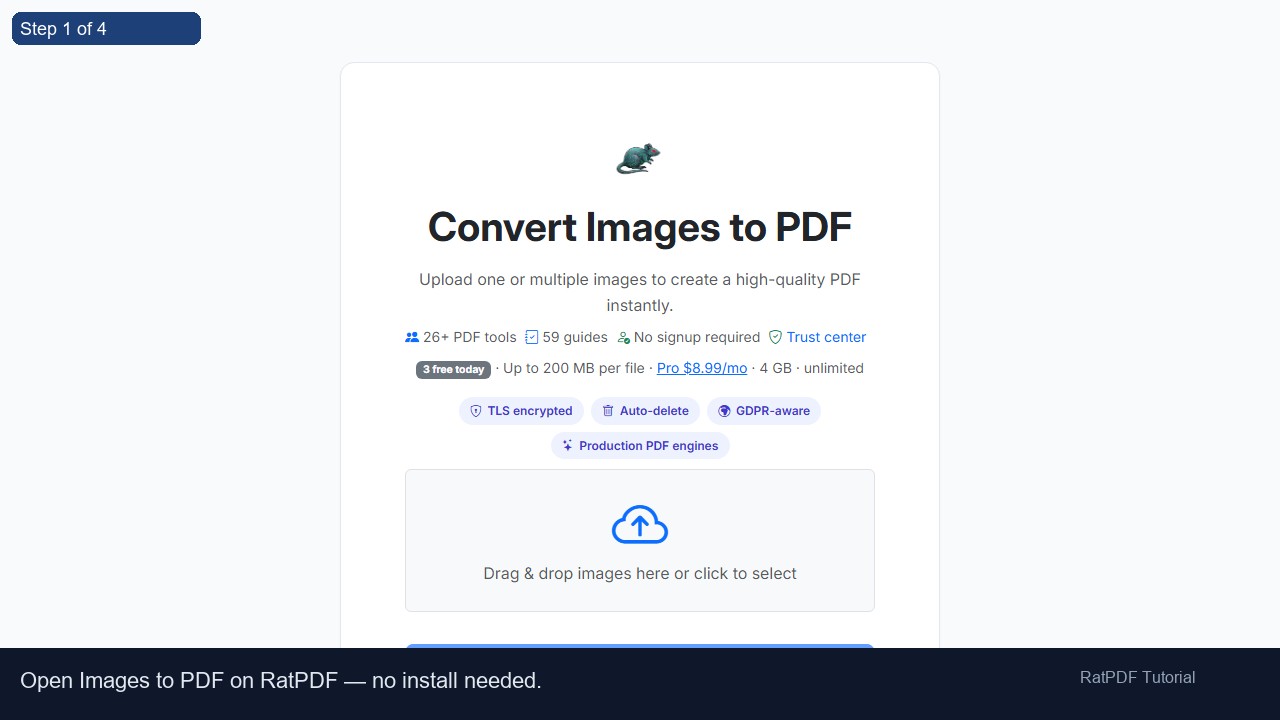 1
1
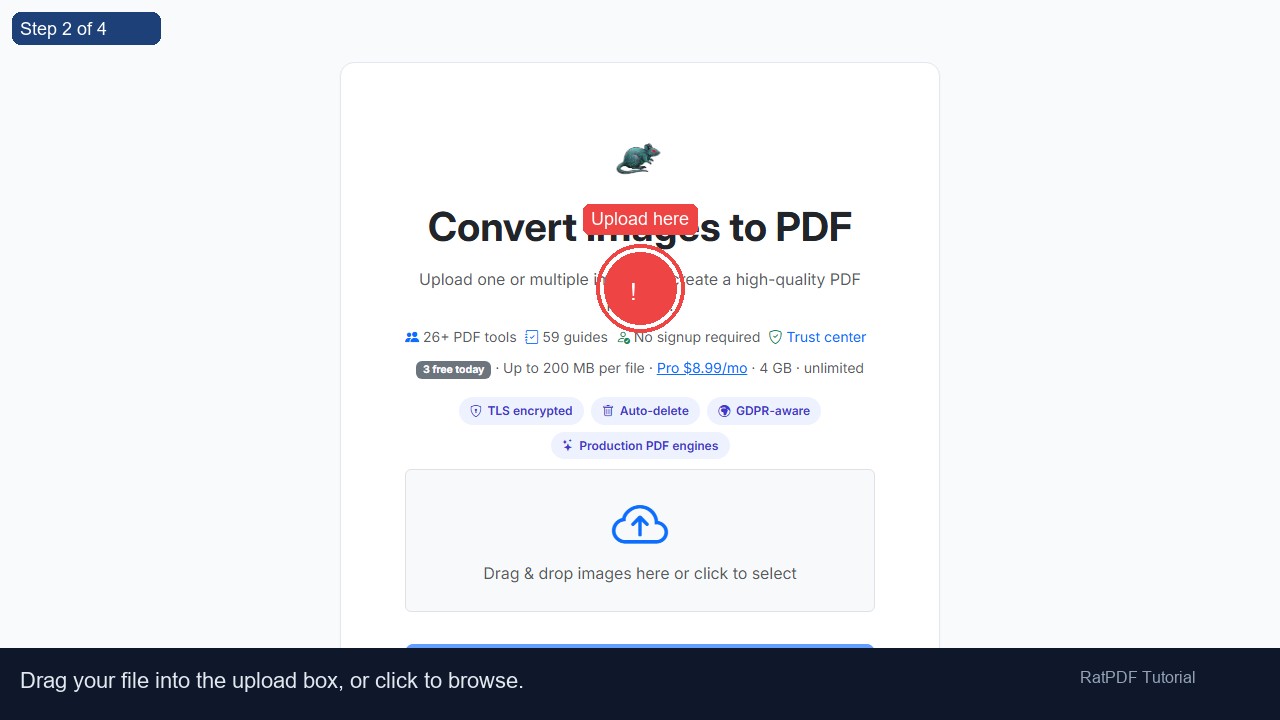 2
Upload here
2
Upload here
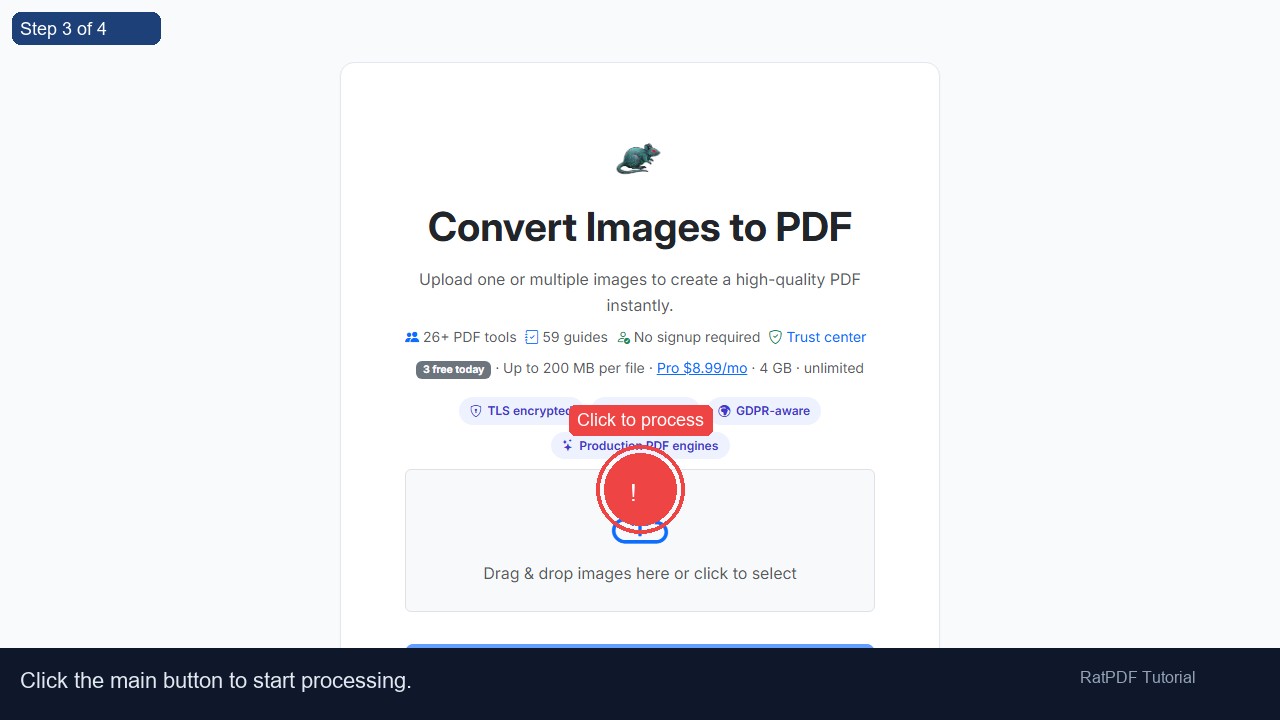 3
Click to process
3
Click to process
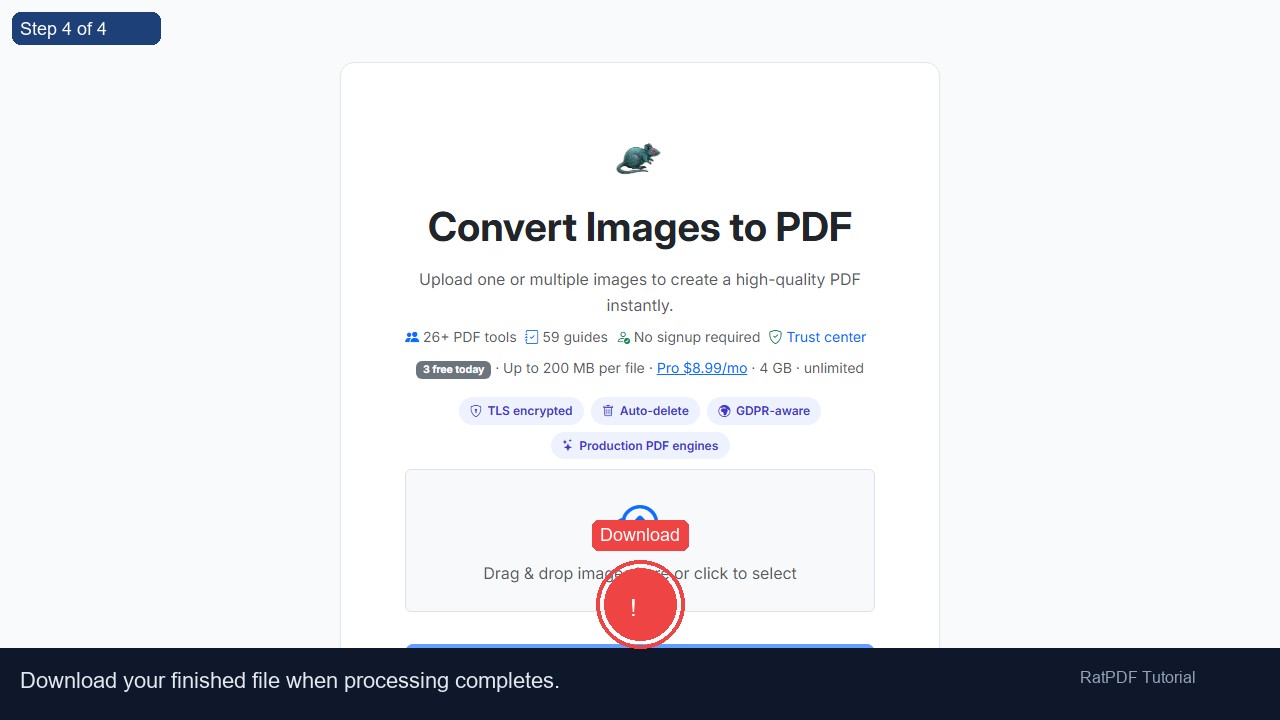 4
Download
4
Download
How to Convert Images to PDF Online
In the modern digital world, sharing images in PDF format is often more convenient and professional. Whether you want to create a document from scanned photos, receipts, assignments, or presentations, our free online image to PDF converter lets you turn JPG, PNG, GIF, and other image files into a single high-quality PDF quickly and easily. No software installation or registration is required, making the process fast, secure, and hassle-free.
Step-by-Step Guide: Convert Your Images to PDF
Creating a PDF from your images is simple and straightforward. Follow these steps:
- Upload your images – Drag and drop your image files into the upload area, or click the upload box to select images from your device. Our converter supports JPG, PNG, GIF, and JPEG formats.
- Arrange your images – The images are automatically arranged in the order they are uploaded. You can also manually reorder them to ensure your PDF appears exactly as you want.
- Click “Convert to PDF” – Start the conversion process with a single click. The tool efficiently merges all images into one high-quality PDF document.
- Download your PDF – Once conversion is complete, your PDF is ready for instant download. You can store it securely or share it via email, messaging apps, or cloud storage.
Why Choose Our Image to PDF Converter?
- ✔ Free online conversion – Convert as many images as you want without hidden fees or trial limitations.
- ✔ High-quality PDF output – Retain the original clarity and resolution of your images with no watermark added.
- ✔ Secure and private – Your files are processed securely and deleted from our servers after conversion.
- ✔ Cross-platform support – Works seamlessly on Windows, Mac, Android, and iOS devices.
- ✔ No installation or registration required – Convert images to PDF instantly from your browser.
Common Use Cases for Image to PDF Conversion
This online tool is versatile and helps a wide range of users in personal, academic, and professional contexts:
- Scanned Documents: Turn scanned receipts, bills, or important paperwork into organized PDF files for easier storage and sharing.
- Photo Albums: Combine multiple photos into a single PDF to create a digital photo album or portfolio.
- Assignments and Reports: Students can merge images of handwritten or scanned assignments into one PDF for submission.
- Business Presentations: Quickly convert diagrams, charts, and images into a professional PDF format for meetings and presentations.
- Archiving: Save space and organize your digital images into PDFs for easier retrieval and long-term storage.
Benefits of Using Our Tool
Our image to PDF converter provides more than just file conversion. Here’s why it’s an essential tool for everyone:
- Saves Time: No need to manually copy images into Word or other software; convert directly in seconds.
- Enhances Accessibility: PDFs are universally compatible and easier to view, print, or share than image files.
- Professional Output: Create polished documents suitable for business, school, or personal use.
- Optimized File Size: Even large image collections are efficiently merged without producing an unnecessarily large PDF.
- Improved Organization: Combine multiple files into a single PDF, making it easier to manage and store your documents.
Tips for Best Results
- Ensure images are clear and properly cropped before uploading for optimal PDF quality.
- Upload images in the order you want them to appear in the final PDF.
- For documents with many pages, consider compressing the final PDF afterward to reduce file size.
- Check image orientation and adjust if necessary to avoid rotated pages in the final PDF.
Frequently Asked Questions (FAQ)
Q1: What image formats does this tool support?
Our converter supports the most popular formats including JPG, PNG, GIF, and JPEG. You can upload multiple images in different formats at the same time.
Q2: Is it safe to upload images?
Yes. We prioritize your privacy. All files are securely processed and automatically deleted from our servers after the conversion process.
Q3: Will my PDF lose image quality?
No. Our tool maintains high-quality output, ensuring that your images retain their clarity and resolution in the PDF.
Q4: Can I rearrange images before converting?
Yes. Images are automatically arranged by upload order, but you can manually reorder them before creating your PDF to get the exact sequence you want.
Q5: Do I need to install any software?
Not at all. This is a completely online solution. You can convert images to PDF directly from your web browser without any downloads or installations.
Q6: Which devices and browsers are supported?
Our tool works on all major platforms including Windows, Mac, Android, and iOS. It is compatible with Chrome, Firefox, Safari, and Edge browsers.
Q7: Can I convert multiple images at once?
Absolutely. You can upload multiple images and merge them into a single PDF with just a few clicks, saving time and effort.
Conclusion
Converting images to PDF has never been easier. Our free online image to PDF converter is secure, fast, and reliable, delivering high-quality PDFs in seconds. Whether you are a student, professional, or casual user, this tool simplifies document management, enhances sharing, and keeps your files organized.
Try our image to PDF converter today to turn your photos, scanned documents, or graphics into professional PDF files without any hassle. Enjoy the convenience of a single, easy-to-use platform for all your image-to-PDF needs.