Rat PDF Logo

DOCX to PDF

Upload a DOCX file to convert it into a PDF document.

Drag & drop DOCX here or click to select

How to Convert DOCX to PDF Online

Converting Microsoft Word documents to PDF has become a common requirement for sharing professional documents. PDFs ensure that your content—text, formatting, fonts, tables, and images—remains consistent across all devices and platforms. Our free online DOCX to PDF converter allows you to quickly turn Word documents into high-quality PDF files without installing software or signing up. Whether you are preparing resumes, business reports, or academic papers, our tool makes the conversion seamless and secure.

Step-by-Step Guide: Convert DOCX to PDF

Follow these simple steps to convert your Word document into a professional PDF:

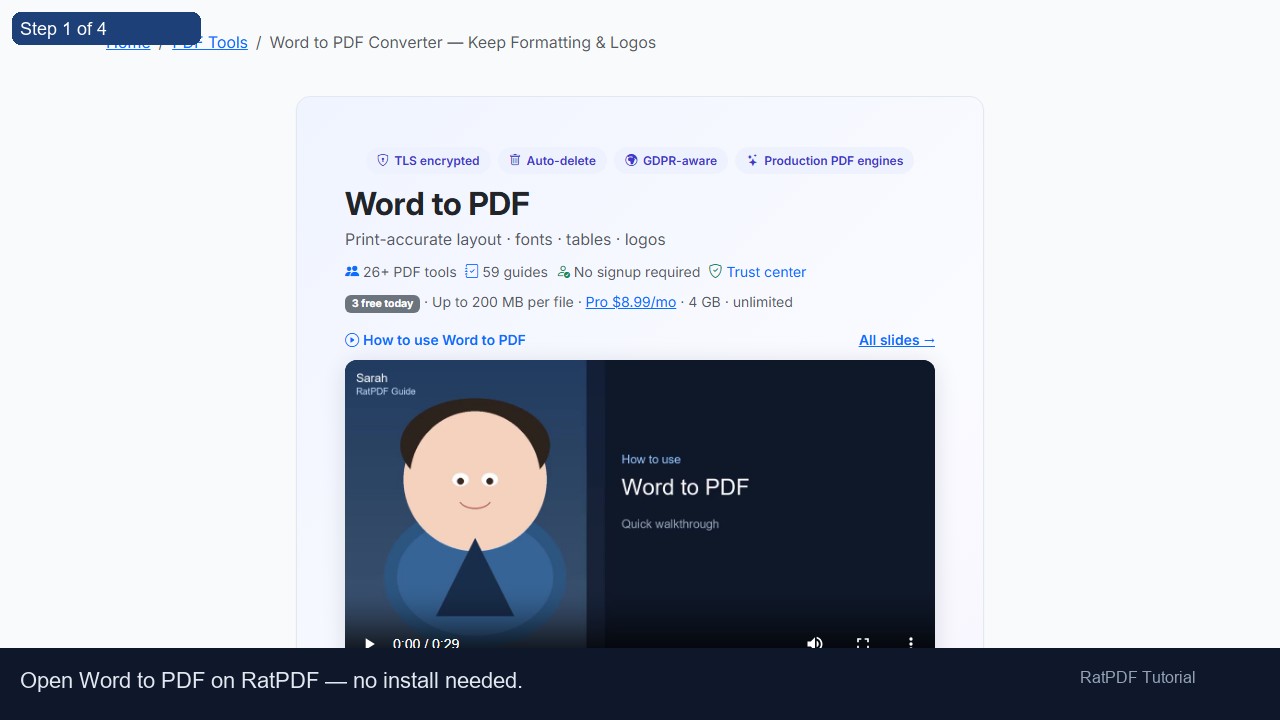
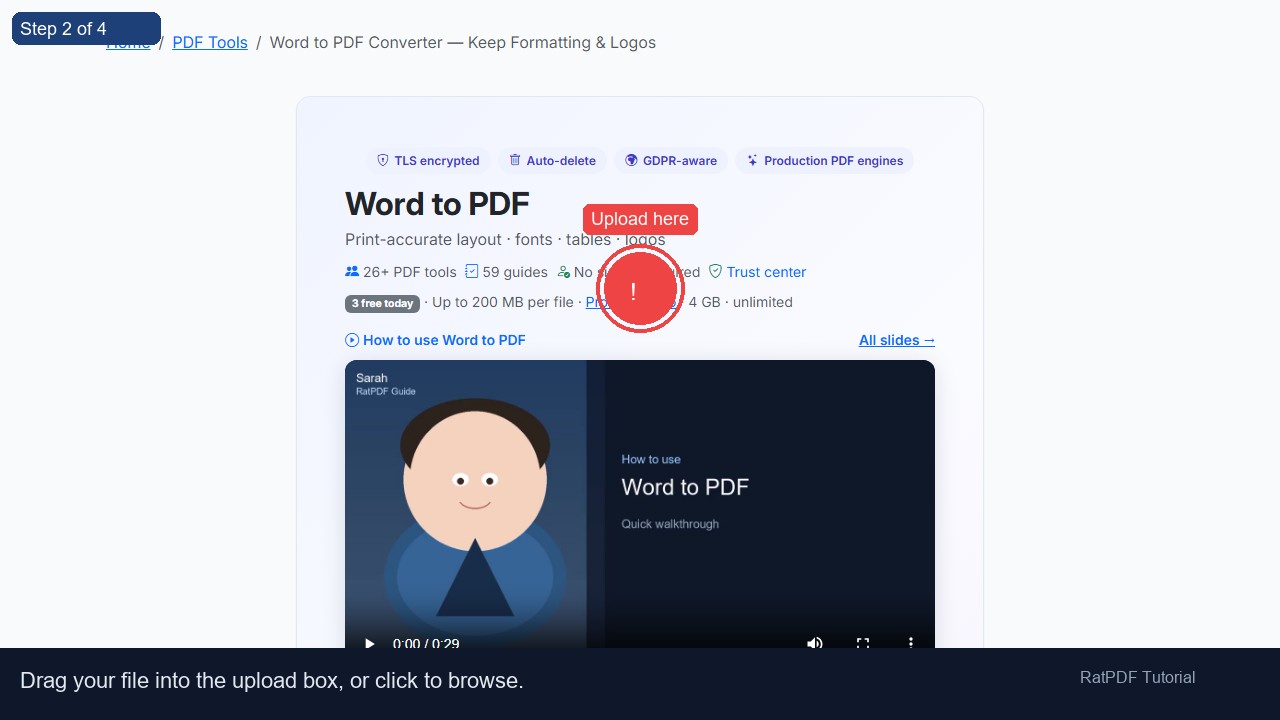
  1. Upload your DOC or DOCX file – Drag and drop your Word document into the upload box or select it from your device. Our converter supports both DOCX and older DOC formats.
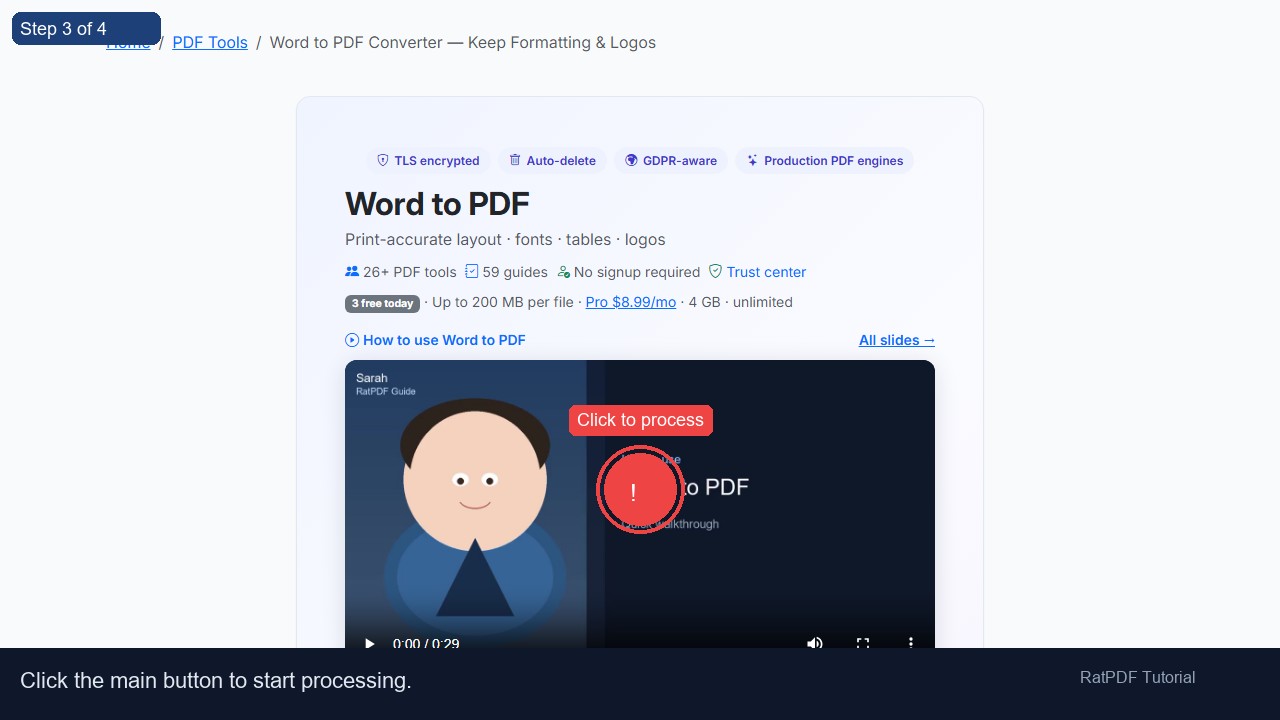
  2. Click “Convert to PDF” – Start the conversion process with a single click. The tool accurately preserves formatting, fonts, images, and tables.
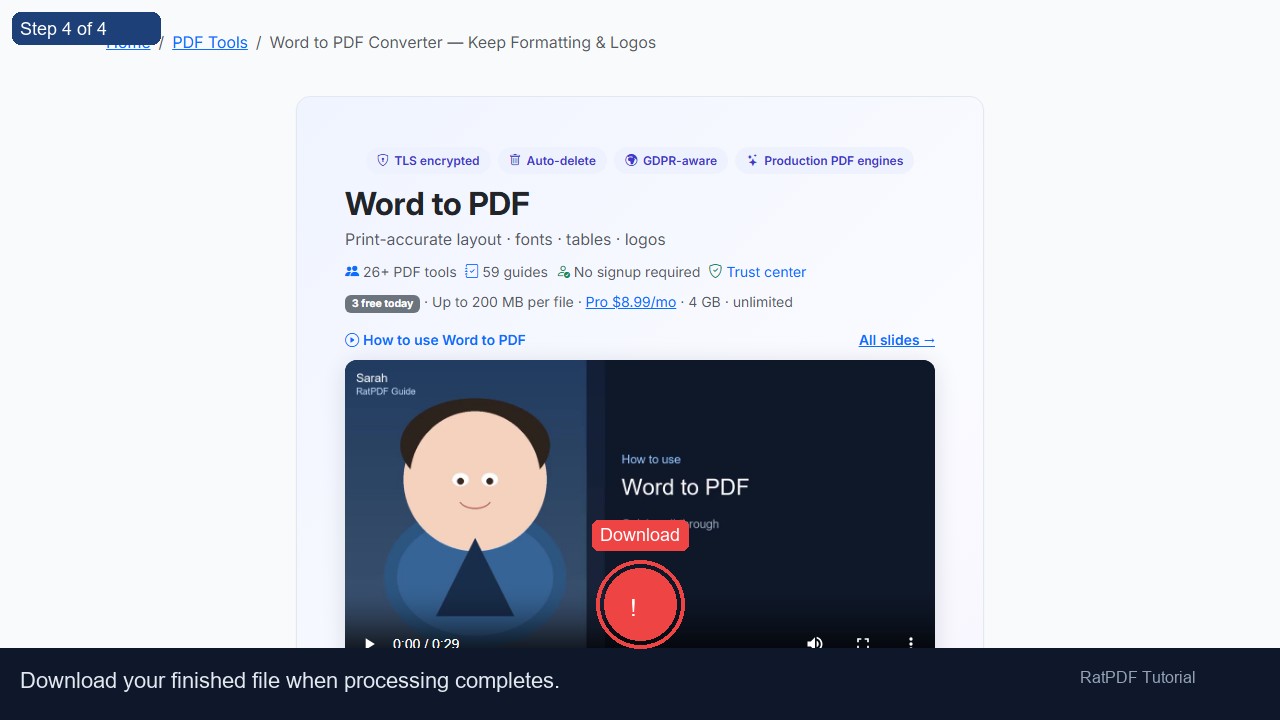
  3. Download your PDF file – Once conversion is complete, download your high-quality PDF instantly. Share it via email, cloud storage, or print it as needed.

Why Choose Our Word to PDF Converter?

  • Free online conversion – Convert unlimited Word documents to PDF without any fees.
  • Preserves formatting – Layouts, fonts, tables, and images are maintained exactly as in your original Word document.
  • Secure and private – All uploads are processed securely, and files are deleted from our servers after conversion.
  • Cross-platform compatibility – Works on Windows, Mac, Android, and iOS devices using any modern browser.
  • No software or signup required – Convert Word files to PDF directly in your browser, instantly and conveniently.

Common Use Cases for DOCX to PDF Conversion

Our DOCX to PDF converter is ideal for personal, academic, and professional use cases:

  • Resumes and CVs: Ensure your application documents maintain their professional formatting across all platforms.
  • Business Contracts and Reports: Share contracts, proposals, or reports with clients or colleagues in a universally accessible PDF format.
  • Academic Assignments: Students can convert Word assignments into PDF to meet submission requirements.
  • Documentation: Create standardized PDFs for internal use, manuals, or technical guides.
  • Archiving: Preserve the original layout of documents for long-term storage without worrying about Word compatibility issues.

Benefits of Using Our DOCX to PDF Converter

  • Consistent Formatting: PDFs retain all the formatting of Word documents, eliminating layout changes when opened on different devices.
  • Universal Accessibility: PDF is widely supported across platforms, ensuring your files can be opened on any device.
  • Professional Appearance: Ideal for sharing resumes, contracts, reports, and presentations with clients or colleagues.
  • Fast and Efficient: Convert DOCX to PDF in seconds without waiting for software installation or complex setups.
  • Secure and Private: File uploads are encrypted, and no document data is stored long-term.

Tips for Best Results

  • Ensure your Word document is final and free from editing marks before conversion.
  • Check images, tables, and charts in your Word file for proper alignment to avoid minor formatting adjustments in PDF.
  • If your document is very large, break it into smaller sections for faster conversion.
  • Always preview the PDF after conversion to verify that fonts, headers, and footers are correctly displayed.

Frequently Asked Questions (FAQ)

Q1: Is it safe to upload Word documents to this converter?

Yes. All files are processed securely using encrypted connections, and uploaded files are automatically deleted from our servers after conversion to ensure privacy.

Q2: Will the PDF retain my original Word formatting?

Absolutely. Our converter preserves fonts, images, tables, charts, and layout, producing a PDF that looks identical to your Word document.

Q3: Can I convert both DOC and DOCX files?

Yes, the tool supports both older DOC formats and modern DOCX files.

Q4: Do I need to install any software or plugins?

No installation is required. The converter works entirely online, allowing you to convert Word files to PDF directly from your browser.

Q5: Which devices and browsers are supported?

The converter is compatible with Windows, Mac, Android, and iOS devices and works on Chrome, Firefox, Safari, and Edge.

Q6: Can I convert multiple Word files at once?

Currently, you can convert one file at a time. For multiple documents, simply repeat the process for each file.

Conclusion

Converting DOCX or DOC files to PDF is quick, easy, and secure with our free online converter. Preserve the original formatting, ensure professional presentation, and create universally compatible files that can be shared, archived, or printed without worrying about software compatibility.

Whether you’re a student, professional, or business user, this tool provides a fast, reliable solution for turning your Word documents into high-quality PDFs. Try our DOCX to PDF converter today and simplify your document sharing workflow.