
Add Password Protection
Upload a PDF and protect it with a password.
Checking free uses… · Up to 200 MB per file · Pro $8.99/mo · 4 GB · unlimited
How to use Protect PDF
All slides →4 step slides · red markers show where to click
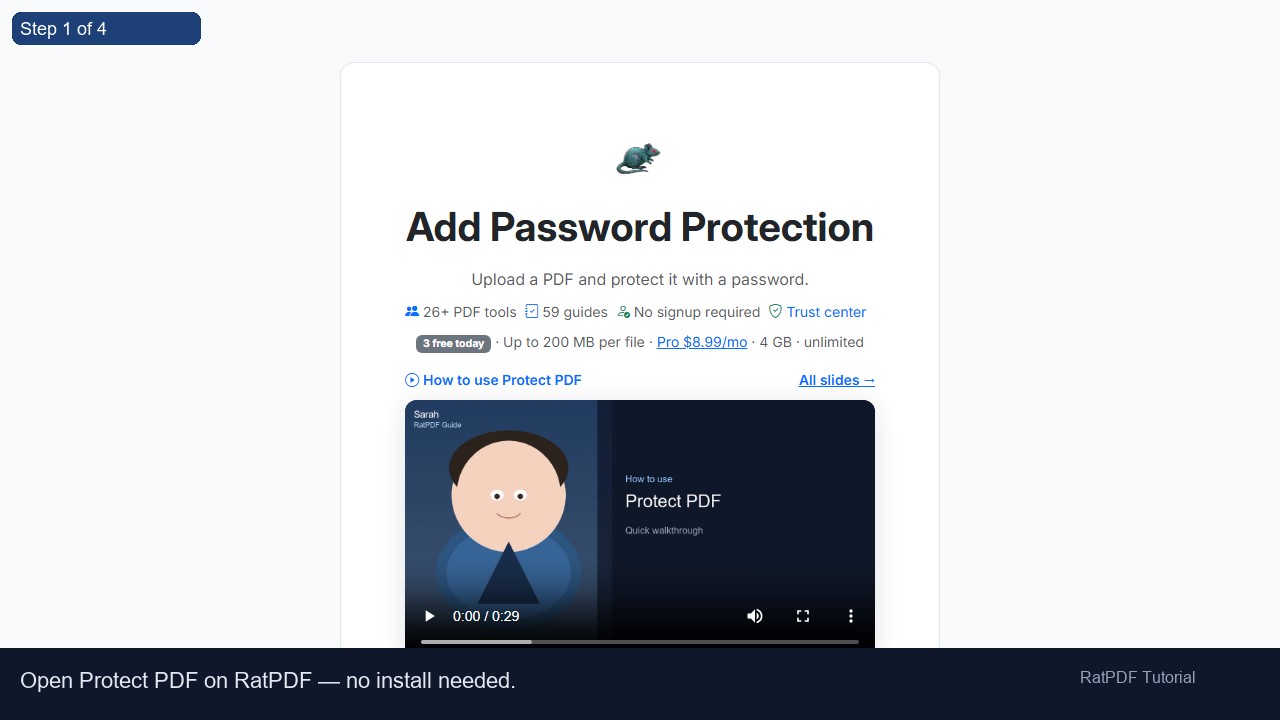 1
1
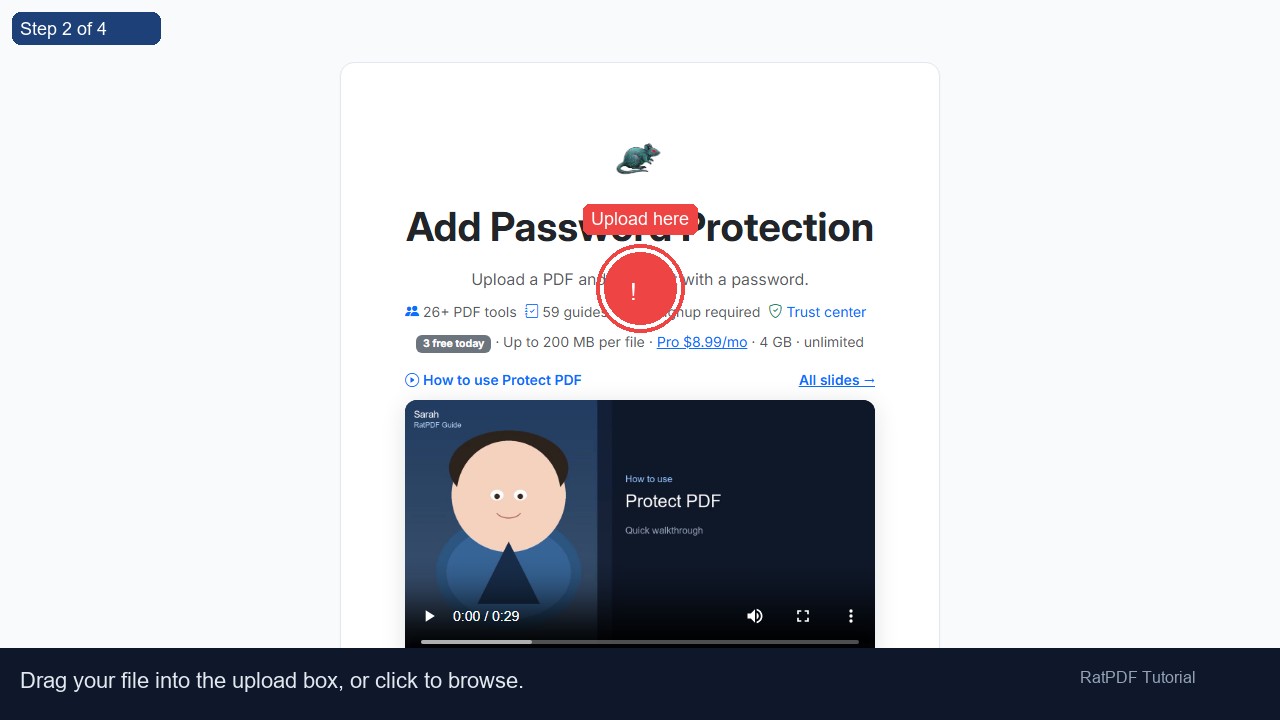 2
Upload here
2
Upload here
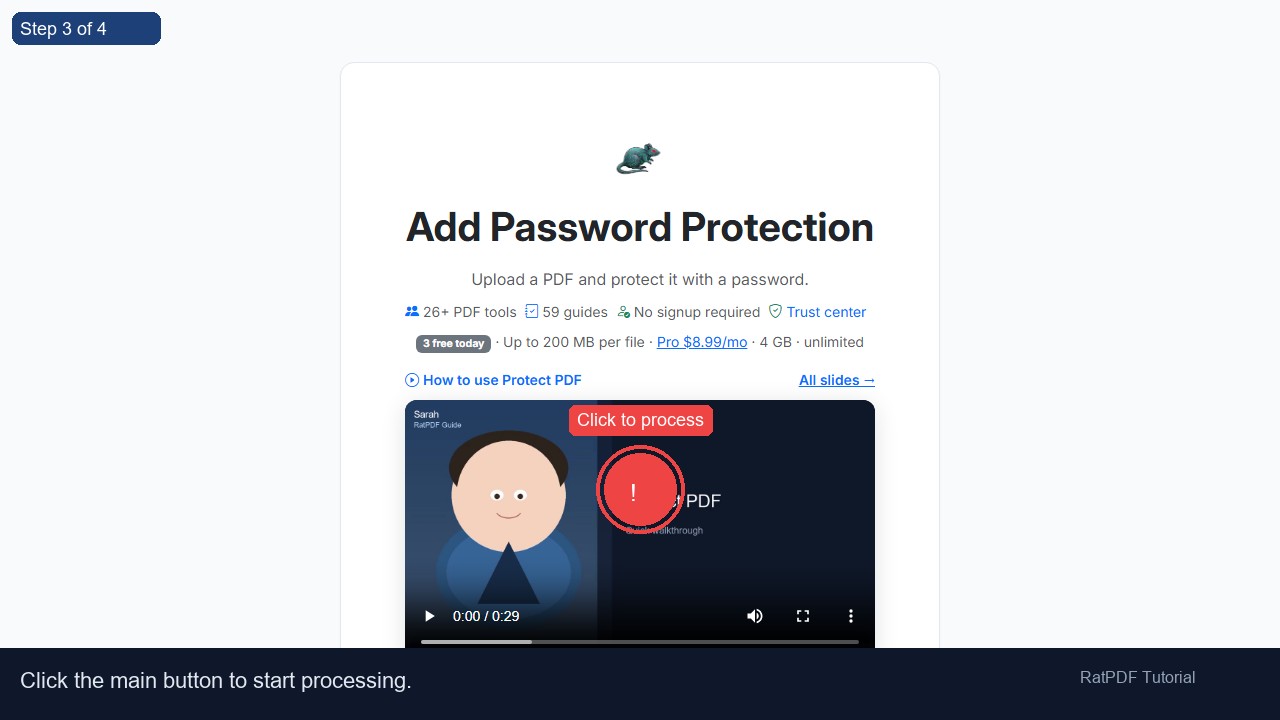 3
Click to process
3
Click to process
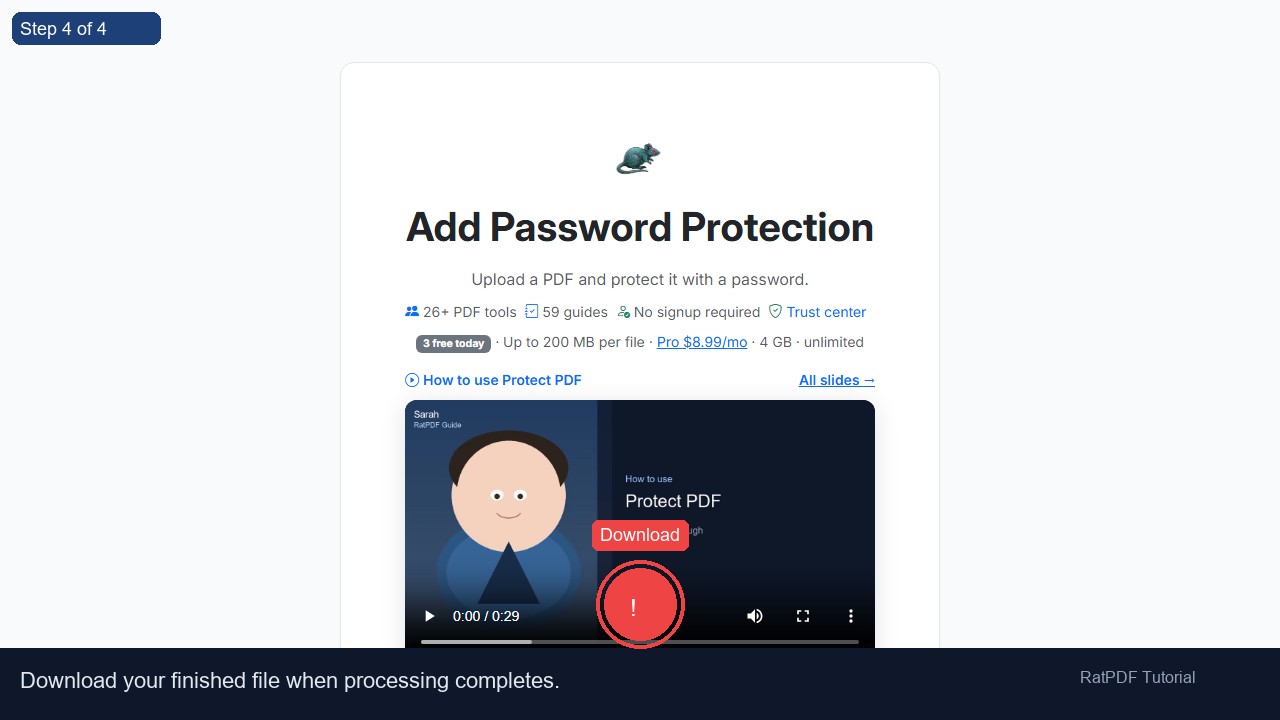 4
Download
4
Download
How to Add a Password to a PDF Online
Protecting your PDF files from unauthorized access is essential in today’s digital world. Whether you’re sharing sensitive business reports, financial statements, contracts, or personal documents, adding a password ensures that only authorized people can access your files. Our PDF password protection tool online makes it quick, safe, and completely free to secure your PDFs without installing any software or creating an account.
Introduction
PDF files are widely used due to their portability, universal compatibility, and consistent formatting across devices. However, PDFs containing sensitive information can be vulnerable if not properly protected. Adding a password to your PDF adds an extra layer of security, preventing unauthorized access and maintaining confidentiality.
Traditionally, password-protecting a PDF required dedicated desktop software, which could be complex and time-consuming. Our online tool eliminates the hassle. It allows you to protect your PDF files in just a few clicks, directly from your browser, on any device—Windows, Mac, Android, or iOS.
Whether you are a professional handling business documents, a student with personal notes, or anyone looking to safeguard important PDFs, this tool provides a simple, reliable, and secure solution.
Step-by-Step Guide to Add a Password to Your PDF
Adding a password to your PDF using our online tool is fast and straightforward. Follow these simple steps to secure your documents:
- Upload your PDF file: Click the file upload area or drag and drop your PDF into the designated box. You can select files from your computer, smartphone, or tablet.
- Enter a strong password: Type in a secure password that will protect your PDF. Make sure to use a combination of letters, numbers, and symbols to make it hard to guess.
- Click “Protect PDF”: Once your password is set, click the button to encrypt your PDF file. The process is completed in seconds without compromising file quality.
- Download your secured PDF: After the encryption process is complete, download your password-protected PDF instantly. Your file is now secure and ready to share safely.
The entire process is performed online with zero software installation and no account registration, ensuring convenience and accessibility across devices.
Benefits of Using Our PDF Password Protection Tool
Adding a password to a PDF offers numerous advantages, especially when handling sensitive or confidential documents. Here are the key benefits of using our online PDF protection tool:
- Free and easy to use: Secure PDFs without paying for expensive software. No hidden charges or subscriptions required.
- Privacy and security: Your files are encrypted securely during processing and deleted from our servers immediately after completion.
- Cross-platform compatibility: Works seamlessly on Windows, macOS, Android, and iOS devices. You can protect PDFs from any modern browser.
- No software installation needed: Protect your files without downloading heavy programs or installing plugins.
- High-quality output: The PDF’s formatting, images, and text remain intact after password protection.
- Time-saving: Encrypt multiple PDF files quickly in a single session, ideal for professionals and students alike.
By using our tool, you can confidently share sensitive PDFs with colleagues, clients, or friends, knowing that your information remains secure.
Common Use Cases for PDF Password Protection
Our PDF password protection tool is highly versatile and suitable for various scenarios:
1. Business and Corporate Documents
Businesses often handle confidential contracts, financial statements, employee records, and internal reports. Password-protecting these PDFs ensures sensitive information is only accessible to authorized personnel.
2. Personal and Private Files
Individuals can secure personal documents like tax records, medical reports, bank statements, or resumes. Adding a password prevents unauthorized access and safeguards your personal data.
3. Academic and Educational Materials
Students and educators can password-protect study materials, research papers, and assignments before sharing with classmates or colleagues. This ensures content privacy and prevents accidental sharing of unfinished work.
4. Legal and Government Documents
Legal professionals often deal with sensitive documents such as affidavits, contracts, and case files. Password protection adds a layer of security, ensuring that only authorized parties can view the documents.
5. Secure File Sharing
When sending PDFs via email or cloud storage, password protection prevents unauthorized users from opening or modifying your files, reducing the risk of data breaches.
Why Choose Our Online PDF Password Protection Tool?
While there are multiple PDF tools available, our password protection tool stands out due to:
- User-friendly interface: No complicated menus or confusing options. Secure PDFs in just a few clicks.
- Fast and efficient: Large PDFs are processed in seconds without losing quality.
- Secure and reliable: We use secure encryption protocols to protect your files, and files are deleted from our servers immediately after processing.
- Accessible from anywhere: Use it on any device without software installation or registration.
With constant updates to support new PDF standards, our tool remains compatible with the latest browser versions and devices, ensuring smooth performance every time.
FAQ: Frequently Asked Questions About PDF Password Protection
Q1: Is this tool completely free?
Yes, our PDF password protection tool is entirely free. You can encrypt multiple PDFs without any charges or hidden fees.
Q2: Do I need an account to use this tool?
No registration or account is required. Upload your PDF, set a password, and download the secured file instantly.
Q3: Can I use this tool on mobile devices?
Absolutely. The tool is fully responsive and works seamlessly on smartphones and tablets with Android or iOS.
Q4: Is my file safe when uploaded?
Yes. Files are encrypted during processing and permanently deleted from our servers after the operation. Your privacy is our priority.
Q5: Can I open a password-protected PDF on any device?
Yes, once a PDF is password-protected, it can be opened on any device with the correct password using any standard PDF reader.
Q6: Can I password-protect multiple PDFs at once?
Yes, our tool allows you to encrypt multiple files efficiently. Simply upload all the PDFs you want to protect in a single session.
Q7: What happens if I forget the password?
If you forget the password, you will not be able to open the PDF. We recommend storing the password securely or using a password manager.
Q8: Will my PDF lose quality after protection?
No, adding a password does not affect the quality of your PDF. Text, images, and formatting remain intact.
Conclusion
Protecting your PDF files has never been easier. Our online PDF password protection tool allows you to encrypt documents quickly, securely, and for free. Whether for personal, academic, or professional use, you can confidently share sensitive PDFs knowing they are safe from unauthorized access.
No downloads, no registration, and no hidden fees—just a fast, reliable, and secure way to protect your PDFs online. Start safeguarding your documents today and enjoy peace of mind knowing your information is secure.
Upload your PDF, set a strong password, and download your secured file in seconds. Protect your data the easy way!