
PDF to Text
Upload a PDF file to extract all text content into a plain text file.
Checking free uses… · Up to 200 MB per file · Pro $8.99/mo · 4 GB · unlimited
How to use PDF to Text
All slides →4 step slides · red markers show where to click
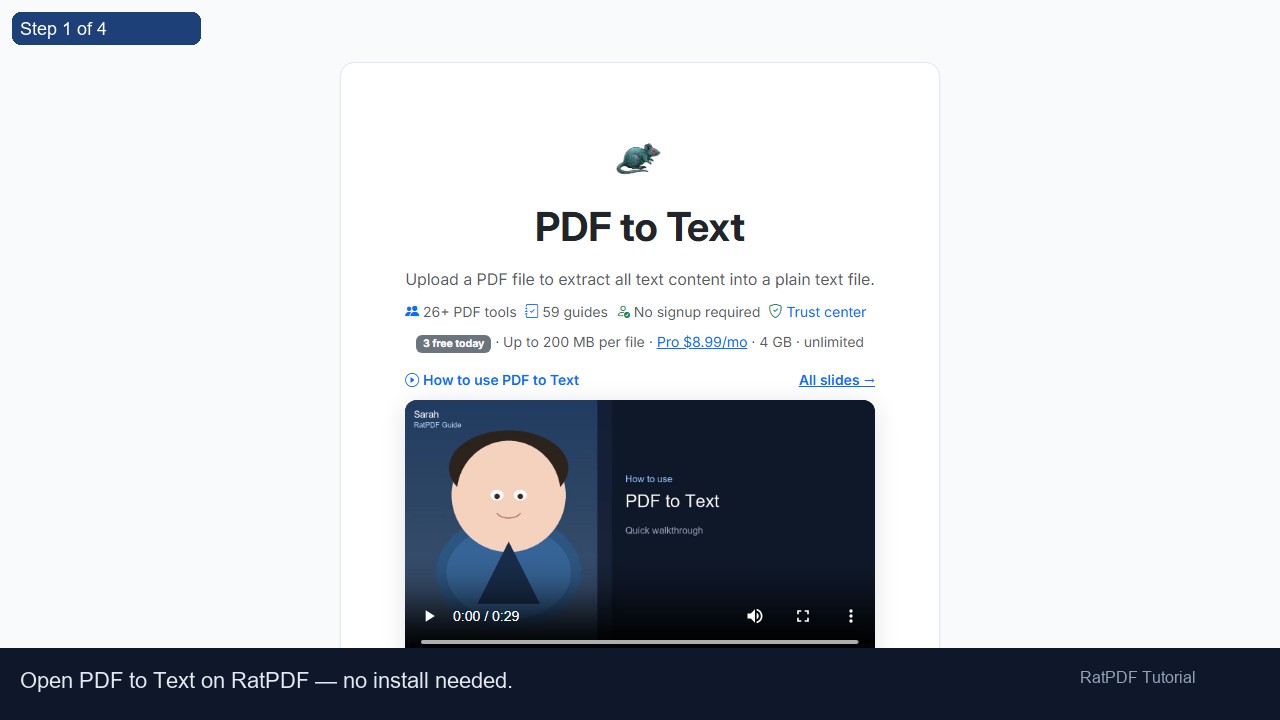 1
1
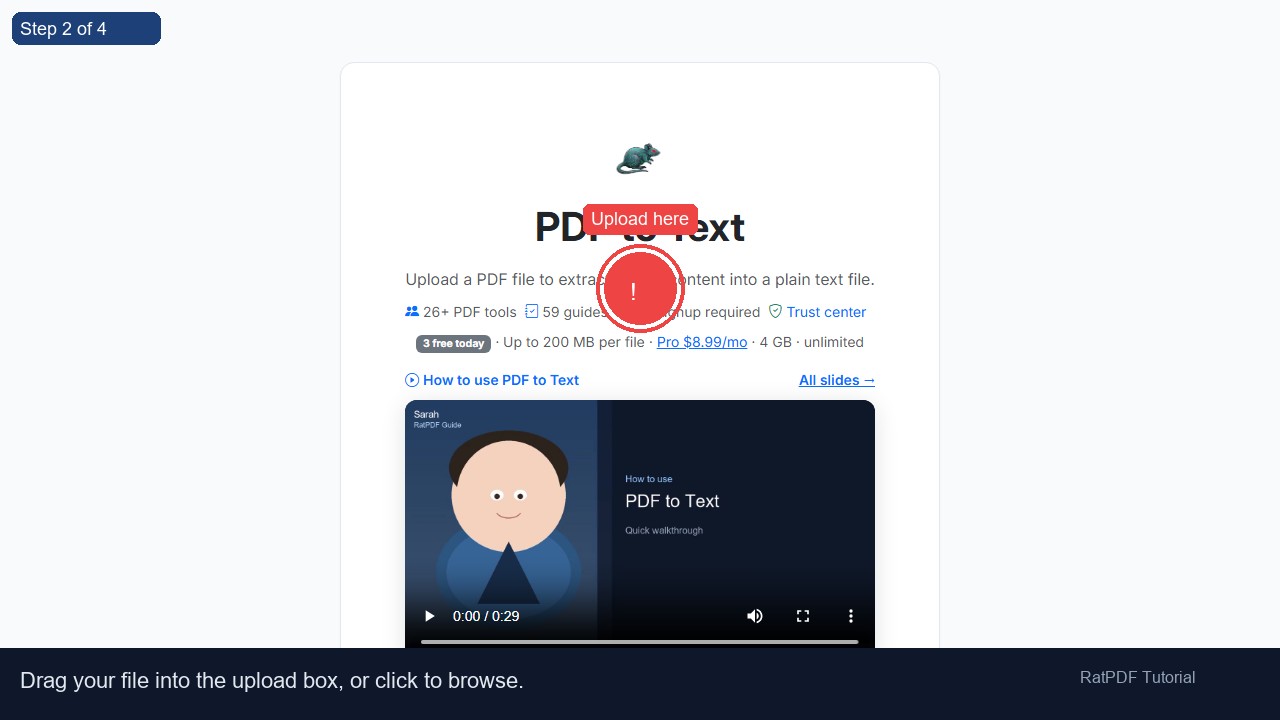 2
Upload here
2
Upload here
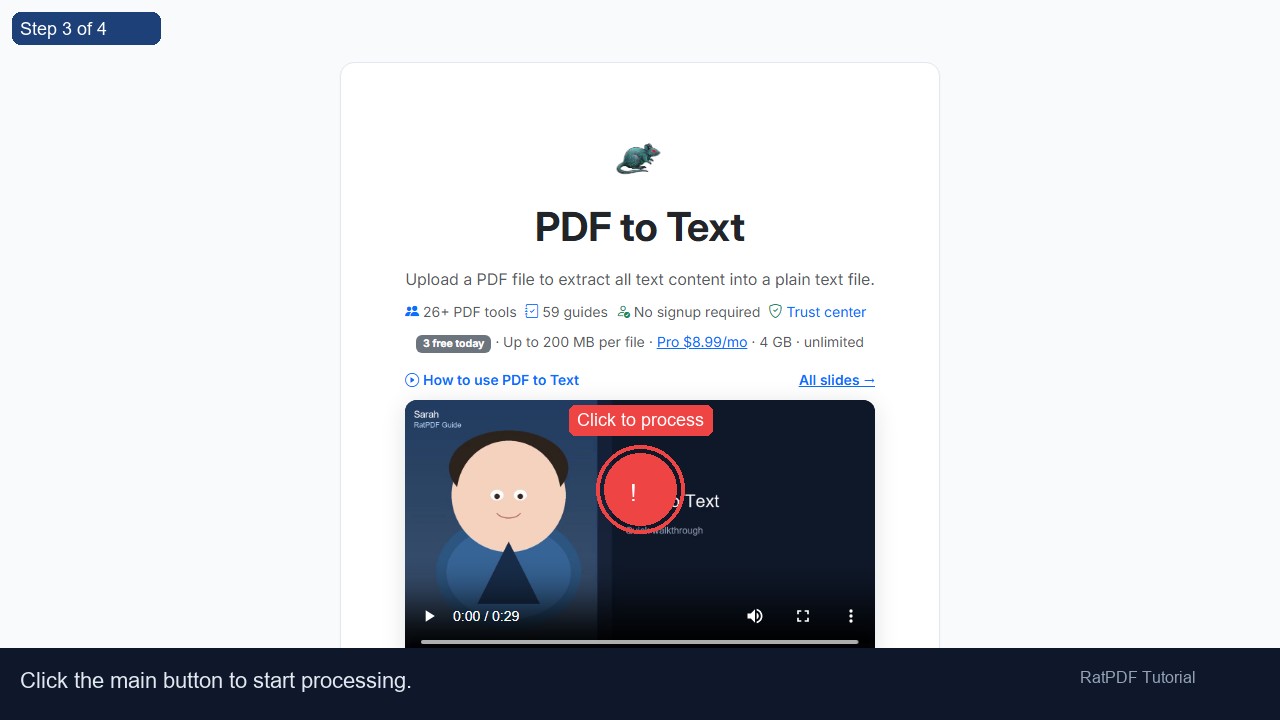 3
Click to process
3
Click to process
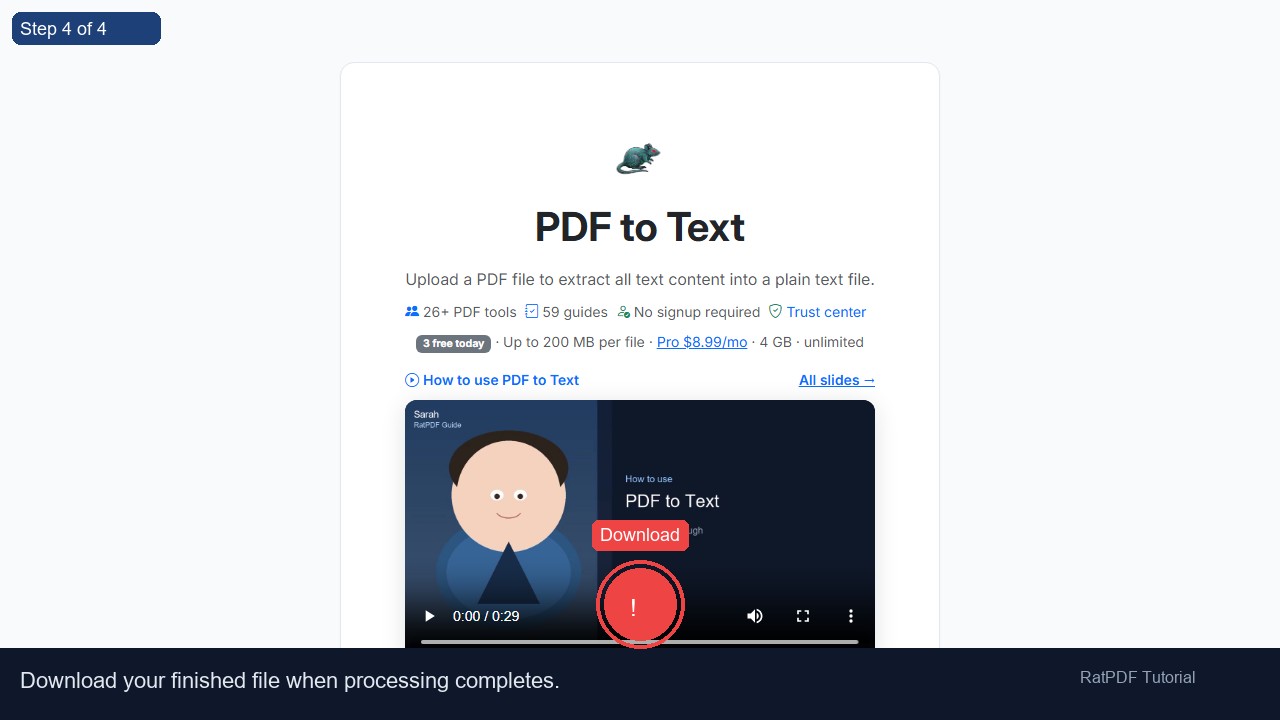 4
Download
4
Download
How to Convert PDF to Text Online
Extracting text from PDF files is often necessary for editing, repurposing, or analyzing content. Our PDF to Text converter online allows you to quickly turn any PDF into a plain text (.txt) file. The process is secure, fast, and free, making it ideal for professionals, students, and anyone needing easy access to the raw text content of their PDFs.
Introduction
PDF files are widely used for documents like reports, research papers, contracts, and scanned materials because they maintain formatting across devices. However, editing or extracting text from PDFs can be challenging without the right tools. Manually copying text is inefficient and prone to errors, especially with large documents.
Our online PDF to Text converter solves this problem. It extracts all textual content from your PDF into a clean, editable .txt file. This allows you to reuse the text in documents, spreadsheets, or presentations, without worrying about formatting issues.
The tool works on all devices—Windows, Mac, Android, and iOS—directly in your browser. No software installation or registration is required, making it accessible anytime, anywhere.
Step-by-Step Guide to Convert PDF to Text
Converting your PDF files into plain text is straightforward. Follow these steps to extract text from PDFs quickly:
- Upload your PDF file: Drag and drop your PDF into the upload area or click to select a file from your device.
- Click “Extract Text”: Start the conversion process. The tool scans the PDF and extracts all text into a plain .txt file.
- Download the text file: After processing, download the extracted text immediately. You can now edit, copy, or reuse the content freely.
The process is fast, secure, and browser-based, ensuring you can convert PDFs without any technical expertise or software installation.
Benefits of Using Our PDF to Text Converter
Using our online tool to convert PDFs to plain text offers multiple advantages:
- Free and easy to use: Convert PDF content to text without paying or registering.
- Accurate text extraction: Maintains all text without formatting errors, ensuring nothing is lost in the conversion.
- Secure and private: Files are processed online and deleted from servers after conversion for full privacy.
- Cross-platform compatibility: Works on Windows, Mac, Android, and iOS devices directly in your browser.
- No installation required: Complete the conversion online without downloading additional software.
- Time-saving: Extract text from large PDFs instantly, eliminating the need for manual copying.
By converting PDF to text, you gain flexibility to edit, analyze, and reuse content efficiently for any purpose.
Use Cases for PDF to Text Conversion
Our PDF to Text converter is ideal for a wide variety of professional, academic, and personal use cases:
1. Academic Research and Study
Students and researchers can extract text from reports, research papers, or study materials into editable text files for analysis, note-taking, and citation.
2. Business and Professional Use
Professionals can extract text from contracts, meeting notes, reports, and invoices to reuse in emails, spreadsheets, or presentations without retyping.
3. Legal Documentation
Lawyers and legal assistants can extract textual content from case files, agreements, or affidavits to simplify review, editing, or record keeping.
4. Data Analysis and Content Reuse
Marketing teams, content creators, and analysts can extract text from PDF reports and convert it into editable files for analysis, reuse, or reporting purposes.
5. Personal Projects and Organization
Individuals can extract text from scanned letters, e-books, or personal notes for archiving, editing, or converting into other formats.
Why Choose Our PDF to Text Converter?
While there are multiple PDF extraction tools available online, our solution stands out due to its speed, accuracy, and convenience:
- Accurate text extraction: Captures all text from PDFs, preserving the original content.
- User-friendly interface: No technical knowledge is required; anyone can extract text in seconds.
- Fast and reliable: Large PDF files are processed quickly without delays.
- Privacy-focused: All files are deleted from our servers after processing to ensure confidentiality.
- Device-independent: Works on any modern browser across Windows, Mac, Android, and iOS.
The tool is constantly updated to handle new PDF formats, ensuring reliable performance across all document types.
FAQ: Frequently Asked Questions About PDF to Text Conversion
Q1: Is this PDF to Text converter free?
Yes, our online converter is completely free. You can extract text from PDFs without any charges or subscription.
Q2: Do I need an account to use the tool?
No registration or account is required. Simply upload your PDF, extract text, and download the .txt file instantly.
Q3: Can I convert PDFs on my smartphone or tablet?
Absolutely. The tool is fully responsive and works on Android and iOS devices through your browser.
Q4: Will formatting be preserved?
The converter extracts plain text only, so formatting such as tables, fonts, and images will not be retained. It is ideal for raw text extraction.
Q5: Can I extract text from scanned PDFs?
For scanned PDFs, the tool uses OCR (Optical Character Recognition) where applicable to extract readable text accurately.
Q6: Is my data secure during conversion?
Yes, files are uploaded securely and deleted from our servers after processing to protect your privacy.
Q7: Can I extract text from multiple PDFs at once?
You can convert multiple PDFs in separate sessions. Each file is processed individually to ensure accuracy.
Q8: Can I edit the extracted text?
Yes, the extracted text is in a plain .txt format and can be opened with any text editor such as Notepad, Word, or Google Docs for editing.
Conclusion
Converting PDFs to plain text has never been easier. Our PDF to Text converter allows you to extract all text content quickly, securely, and for free. It is perfect for professional, academic, and personal use, providing flexibility to reuse, edit, or analyze PDF content efficiently.
With no software installation or registration required, you can extract text from any PDF on any device directly in your browser. Start converting your PDF files today and unlock the content inside with ease.
Upload your PDF, click “Extract Text,” and download your .txt file instantly. Make editing, copying, and analysis of PDF content simple and fast with our free online tool.