Rotate/Remove
Upload a PDF and perform edits: rotate, or remove pages.
Checking free uses… · Up to 200 MB per file · Pro $8.99/mo · 4 GB · unlimited
How to use Rotate PDF
All slides →4 step slides · red markers show where to click
 1
1
 2
Upload here
2
Upload here
 3
Click to process
3
Click to process
 4
Download
4
Download
How to Rotate or Remove Pages from PDF Online
Managing PDF pages can be a tedious task if you don’t have the right tools. Our PDF page editor online allows you to rotate pages by 90°, 180°, or 270°, and remove specific pages from your PDF documents quickly and securely. The tool is free, browser-based, and requires no registration or software installation, making it perfect for professionals, students, and casual users alike.
Introduction
PDF files are widely used for reports, contracts, eBooks, and presentations because they preserve formatting across devices. However, sometimes you need to adjust the orientation of pages or remove unnecessary content. Traditional desktop software can be complicated, expensive, and time-consuming. Our online PDF page editor simplifies this process by allowing you to rotate or remove pages instantly from any device.
Whether you need to correct page orientation, remove blank or unwanted pages, or reorganize sections of a document, our tool makes PDF page management fast and hassle-free. It works on Windows, Mac, Android, and iOS, providing full flexibility without any software downloads.
Step-by-Step Guide to Rotate or Remove PDF Pages
Editing your PDF pages online is simple. Follow these steps to rotate or remove pages from your PDF:
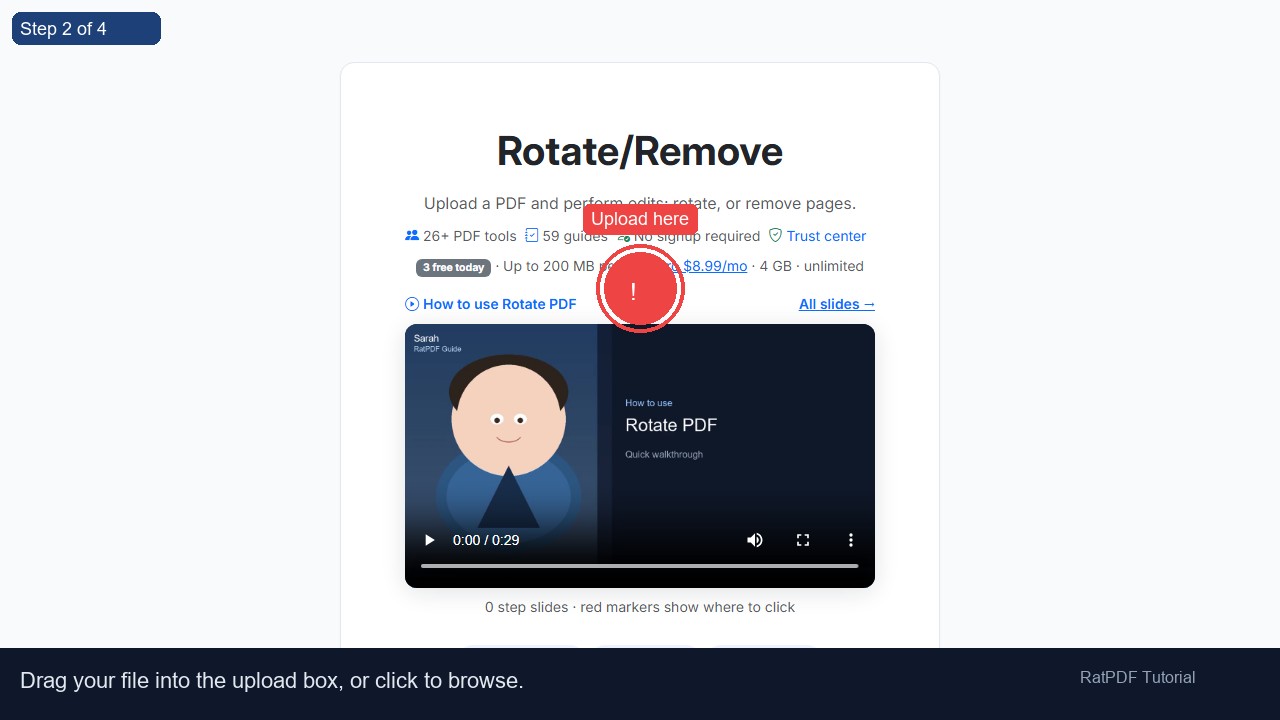
- Upload your PDF file: Use the upload buttons to select a PDF from your device or drag and drop it into the upload area.
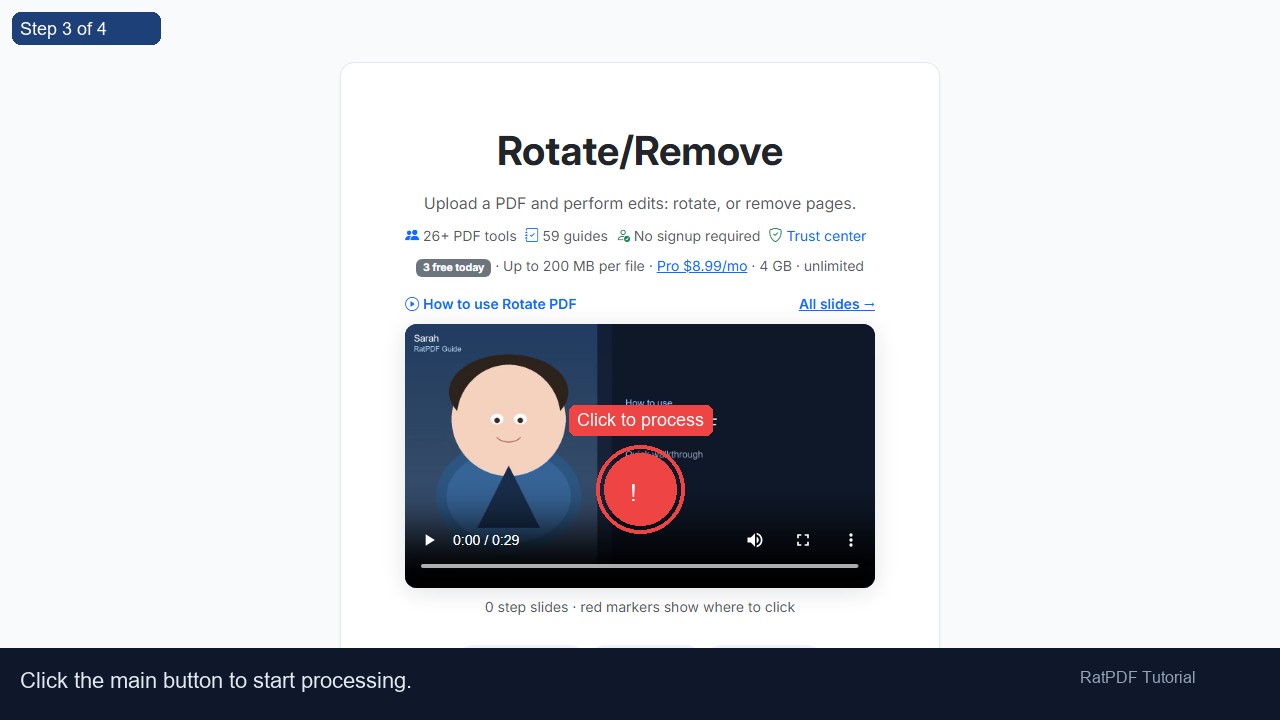
- Rotate a page: Enter the page number (0-indexed) and choose the rotation degree (90, 180, or 270), then click “Rotate Page.” The page will be rotated instantly.
- Remove a page: Enter the page number (0-indexed) you want to delete and click “Remove Page.” The selected page will be removed from your PDF.
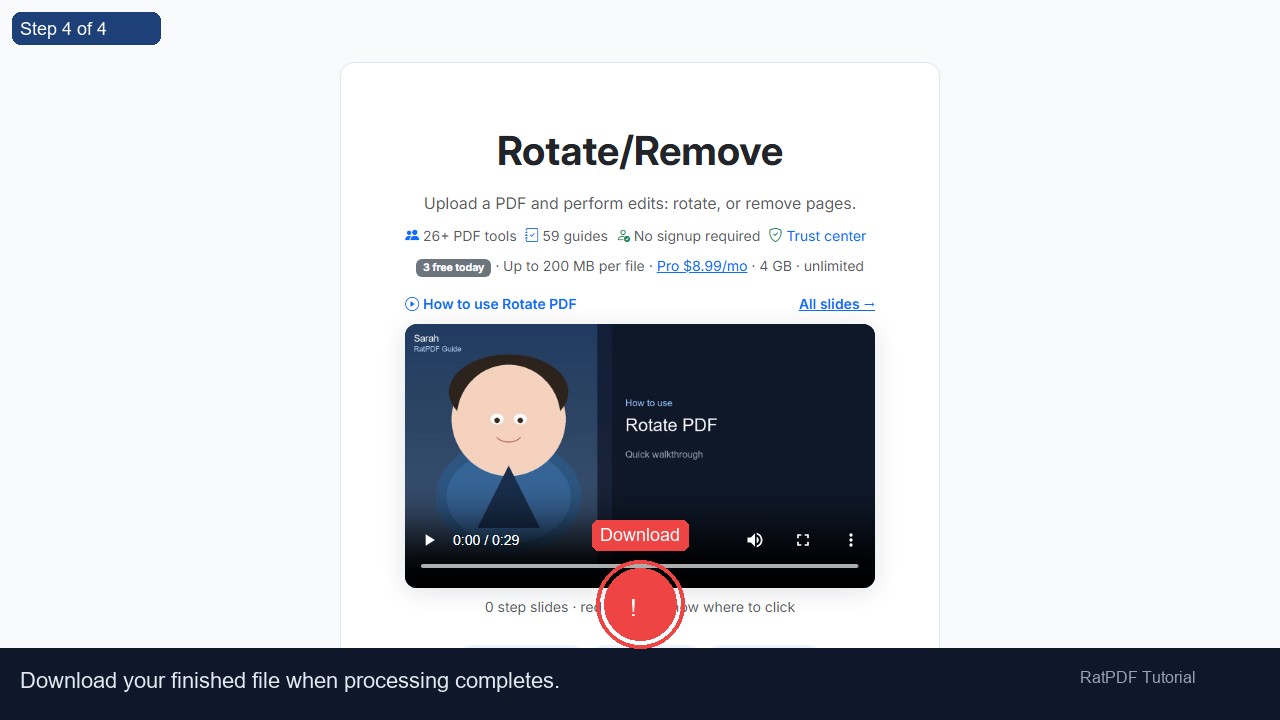
- Download your updated PDF: Once your edits are complete, download the updated PDF immediately. Your document is now ready for sharing, printing, or further use.
The process is fast, secure, and works entirely online. There’s no need for technical knowledge or additional software.
Benefits of Using Our PDF Page Editor
Using our online tool to rotate or remove PDF pages offers several advantages for both personal and professional use:
- Free and accessible: Edit your PDF pages without any charges or subscriptions.
- Fast and efficient: Rotate or remove pages in seconds without downloading large software.
- Secure and private: Files are processed safely online and deleted from servers after editing.
- Cross-platform support: Works on Windows, Mac, Android, and iOS devices, directly in your browser.
- No installation or account required: Complete edits without installing software or registering an account.
- Precise page-level control: Rotate specific pages or remove individual pages without affecting the rest of the document.
By using this tool, you can maintain professional-looking PDFs, correct page orientation errors, and remove irrelevant content efficiently.
Use Cases for PDF Page Editing
Our PDF page editor is versatile and can be used in many professional, academic, and personal scenarios:
1. Business Reports and Presentations
Rotate pages of scanned reports or presentations for proper viewing. Remove outdated or irrelevant pages before sharing documents with colleagues or clients.
2. Academic Assignments and Research Papers
Students and educators can correct page orientations in PDFs, remove unnecessary sections, or reorganize content before submission or publication.
3. Contracts and Legal Documents
Lawyers and administrative professionals can remove duplicate or irrelevant pages from contracts, affidavits, or legal filings, and rotate scanned pages for proper viewing.
4. eBooks and Manuals
Authors or readers can adjust the orientation of scanned book pages or remove extraneous pages to improve readability or create a cleaner PDF version.
5. Personal Document Management
Individuals can rotate pages in scanned letters, forms, or notes, and remove blank pages or unnecessary content for easier storage and sharing.
Why Choose Our Online PDF Page Editor?
While other PDF editing tools may be slow, expensive, or require downloads, our online editor stands out due to:
- Ease of use: No technical skills required. Edit PDF pages in seconds.
- Secure processing: Files are encrypted and deleted after editing to protect your privacy.
- Device compatibility: Works on any device with a modern browser.
- Instant results: Rotate or remove pages without waiting for lengthy processing.
- Precision editing: Focus on specific pages without affecting the rest of your PDF.
Our tool is continuously updated to handle all PDF formats, ensuring smooth performance and reliable results every time.
FAQ: Frequently Asked Questions About PDF Page Editing
Q1: Is this PDF page editor free?
Yes, our online PDF page editor is completely free. You can rotate or remove pages without any subscription or payment.
Q2: Do I need an account to use this tool?
No registration or account is required. Upload your PDF, make edits, and download the updated file instantly.
Q3: Can I edit PDFs on my mobile device?
Yes, the tool is fully responsive and works on Android and iOS smartphones and tablets.
Q4: Can I rotate multiple pages at once?
Currently, pages are rotated one at a time, allowing precise control over the orientation of each page.
Q5: Can I remove multiple pages at once?
Pages can be removed individually to ensure accuracy and prevent accidental deletion of important content.
Q6: Will my PDF quality change after editing?
No, rotating or removing pages does not affect the quality of your PDF. Text, images, and formatting remain intact.
Q7: Are my files secure during editing?
Yes, all files are processed securely and deleted from our servers after editing to maintain privacy and confidentiality.
Q8: Can I undo a rotation or page removal?
Once a page is rotated or removed and the file is downloaded, the action cannot be undone. We recommend keeping a backup copy of the original PDF.
Conclusion
Editing PDF pages online has never been easier. Our free PDF page editor allows you to rotate pages, remove unwanted pages, and manage your PDF content efficiently. With no software installation, registration, or subscription required, you can edit PDFs securely from any device, at any time.
Whether for business, education, or personal use, this tool provides a fast, reliable, and precise way to correct page orientation, remove unnecessary pages, and organize PDF documents for better readability and presentation.
Upload your PDF, rotate or remove pages as needed, and download your updated PDF instantly. Simplify your PDF management with our free online tool today.