
Sign PDF with Your Name
Upload a PDF and enter your name to sign it in italic.
Checking free uses… · Up to 200 MB per file · Pro $8.99/mo · 4 GB · unlimited
How to use Sign PDF
All slides →4 step slides · red markers show where to click
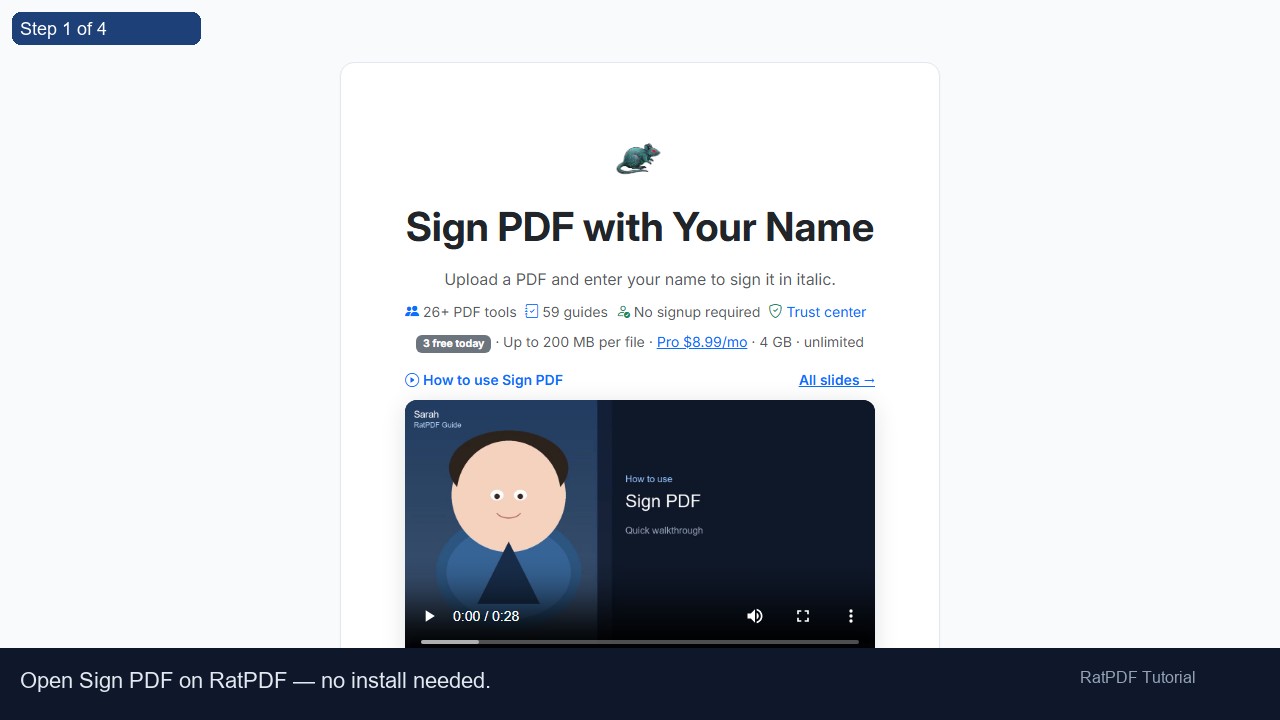 1
1
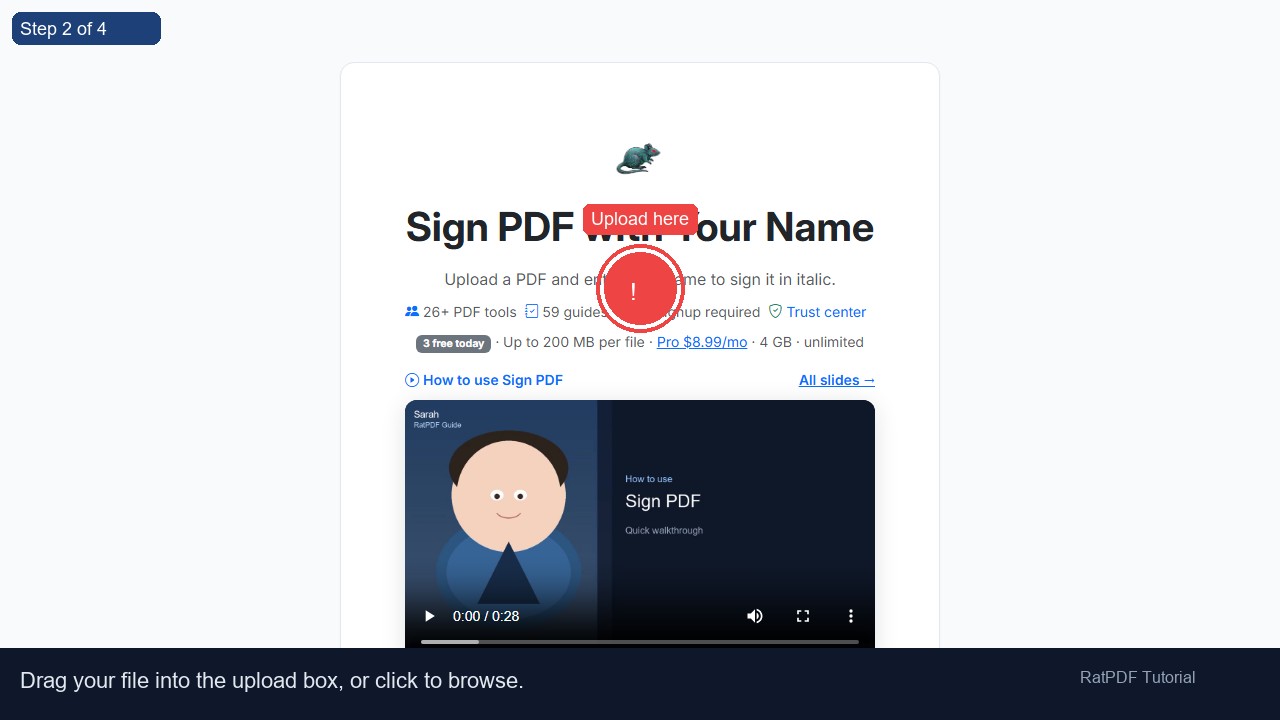 2
Upload here
2
Upload here
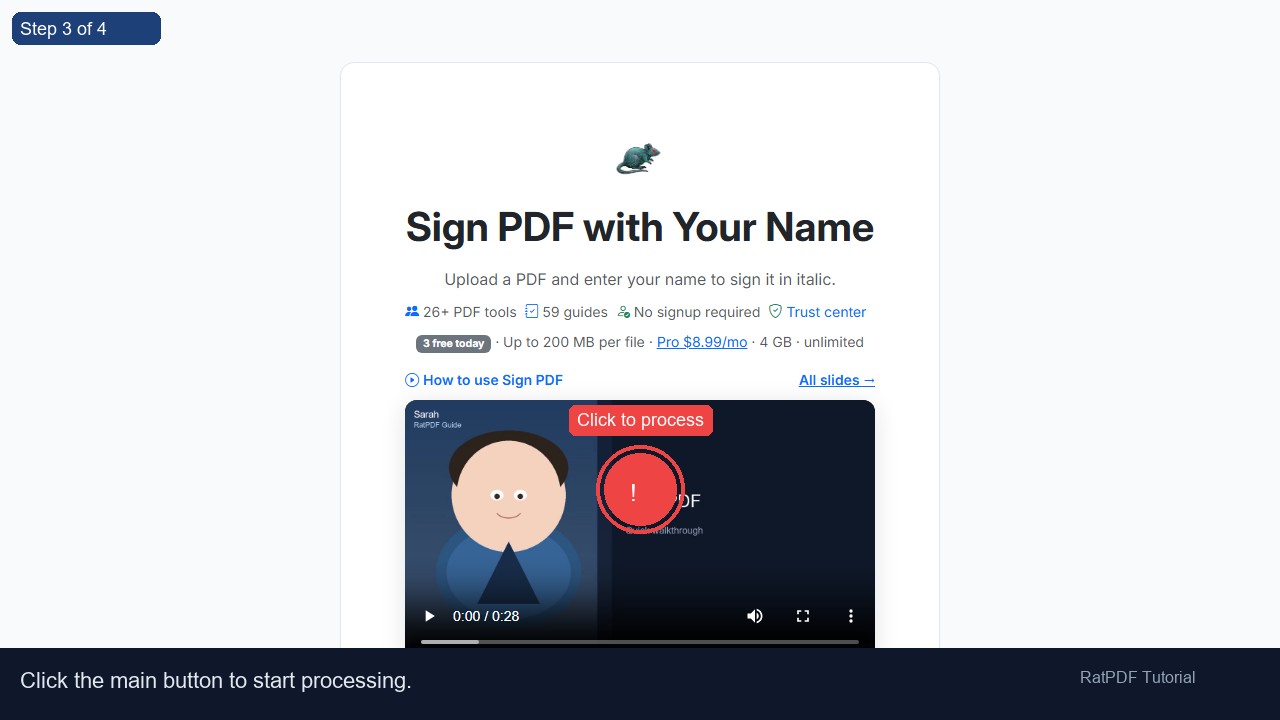 3
Click to process
3
Click to process
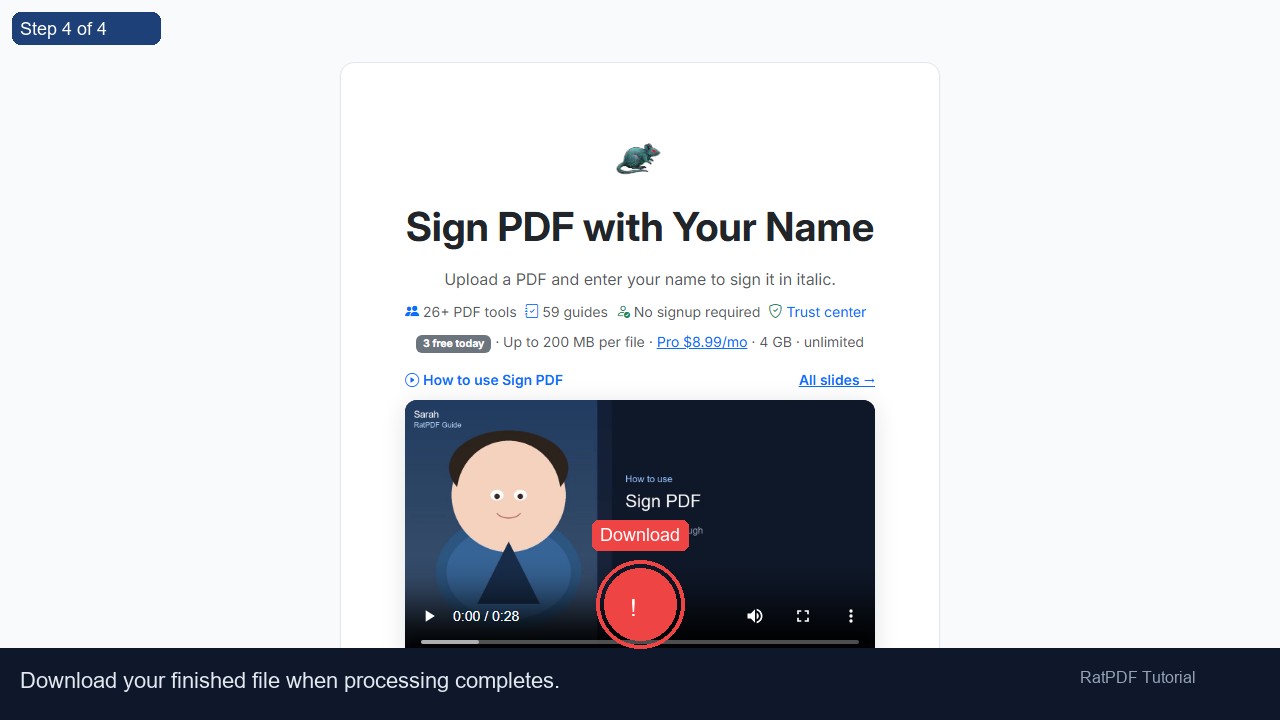 4
Download
4
Download
How to Sign a PDF Online with Your Name
Signing PDF documents digitally has become essential for modern workflows. Our PDF signing tool online allows you to add your name as a signature to any PDF document quickly and securely. Whether you’re signing contracts, forms, invoices, or agreements, this tool makes the process simple, fast, and free—without requiring any software installation or account registration.
Introduction
PDFs are widely used for official documents because they maintain formatting across devices and platforms. However, physically signing a PDF requires printing, signing, and scanning—an inefficient process prone to delays. Our online PDF signing tool eliminates this hassle by allowing you to digitally sign documents directly in your browser.
The tool generates a clean, italicized name signature that can be added to any PDF page. It works seamlessly on Windows, Mac, Android, and iOS devices, giving you the flexibility to sign PDFs anytime, anywhere. Whether for business, academic, or personal use, this tool streamlines your document signing workflow.
Step-by-Step Guide to Sign a PDF with Your Name
Adding your name as a digital signature is simple and intuitive. Follow these steps:
- Upload your PDF file: Click the upload button or drag and drop your PDF into the designated area.
- Enter your name: Type your name in the field provided. The tool will automatically generate a stylish, italicized signature.
- Click “Sign PDF”: The tool applies your name as a signature to the PDF. You can adjust the placement on the page as needed.
- Download your signed PDF: After processing, download the signed PDF instantly. Your document is ready for sharing or submission.
The process is fully online, secure, and requires no technical expertise, making it accessible for anyone needing to sign PDF documents digitally.
Benefits of Using Our PDF Signing Tool
Using our online PDF signing tool offers multiple advantages:
- Free and accessible: Sign PDFs online without paying or registering an account.
- Fast and efficient: Add your signature in seconds without printing or scanning.
- Secure and private: Files are encrypted and deleted from our servers after processing.
- Cross-platform support: Works on Windows, Mac, Android, and iOS devices directly in your browser.
- No installation required: Complete the signing process without downloading software.
- Professional appearance: Generates a clean, italicized signature suitable for formal documents.
By using this tool, you save time, reduce paper waste, and maintain a professional standard for digitally signed PDFs.
Use Cases for PDF Signing
Our PDF signing tool is suitable for a wide variety of professional, academic, and personal scenarios:
1. Business Contracts and Agreements
Businesses can sign contracts, NDAs, or partnership agreements digitally, eliminating the need for physical signatures and speeding up the approval process.
2. Academic Submissions
Students and educators can digitally sign certificates, assignments, or permission forms, ensuring quick and verified submission without printing.
3. Financial Documents
Invoices, purchase orders, or receipts can be signed with a digital name signature to confirm approvals or validate transactions efficiently.
4. Personal Documents
Individuals can sign letters, applications, or forms digitally, reducing paper use and simplifying document sharing.
5. Remote Work and Collaboration
Remote teams can sign PDFs quickly, allowing contracts, project approvals, and other documents to be processed instantly, regardless of location.
Why Choose Our Online PDF Signing Tool?
While many PDF signing tools exist, our solution stands out due to its simplicity, security, and versatility:
- Ease of use: No technical skills required. Sign PDFs with just a few clicks.
- Secure processing: Your files are encrypted during upload and deleted after processing.
- Device compatibility: Works on any modern browser across Windows, Mac, Android, and iOS.
- Instant results: Sign PDFs immediately without waiting for lengthy processing.
- Professional output: Generates a clean, italicized signature for formal documents.
This tool is continuously updated to ensure compatibility with all PDF standards, guaranteeing smooth performance and reliable results every time.
FAQ: Frequently Asked Questions About PDF Signing
Q1: Is this PDF signing tool free?
Yes, our PDF signing tool is completely free. You can add your name as a signature to any PDF without paying or subscribing.
Q2: Do I need to create an account?
No registration or account is required. Simply upload your PDF, sign it with your name, and download the document instantly.
Q3: Can I sign PDFs on mobile devices?
Yes, the tool is fully responsive and works on Android and iOS devices directly in your browser.
Q4: Can I place the signature anywhere on the page?
Yes, you can adjust the placement of your name signature to ensure it appears exactly where you want on the PDF.
Q5: Is my PDF secure during signing?
Absolutely. Files are uploaded securely over HTTPS and deleted from our servers after processing to maintain your privacy.
Q6: Can I sign multiple PDFs at once?
Currently, the tool supports signing one PDF at a time. Each file is processed individually for accuracy.
Q7: Will the quality of my PDF change after signing?
No, adding a name signature does not affect the quality, formatting, or content of your PDF.
Q8: Can I edit or remove a signature after downloading?
Once a PDF is signed and downloaded, the signature becomes part of the document. Keep a backup of your original PDF if you may need to make changes later.
Conclusion
Digitally signing PDFs with your name has never been easier. Our free PDF signing tool allows you to add your name as a signature quickly, securely, and without any software or account requirements. Perfect for contracts, forms, invoices, and agreements, this tool saves time, reduces paper usage, and streamlines your workflow.
With full compatibility across devices and a simple, user-friendly interface, signing PDFs online is fast, secure, and convenient. Start signing your PDF files today and enjoy hassle-free digital document management.
Upload your PDF, enter your name, click “Sign PDF,” and download your signed document instantly. Simplify your digital signing process with our free online PDF signing tool.