
Split PDF
Upload a PDF and extract specific pages into a new PDF file.
Checking free uses… · Up to 200 MB per file · Pro $8.99/mo · 4 GB · unlimited
How to use Split PDF
All slides →4 step slides · red markers show where to click
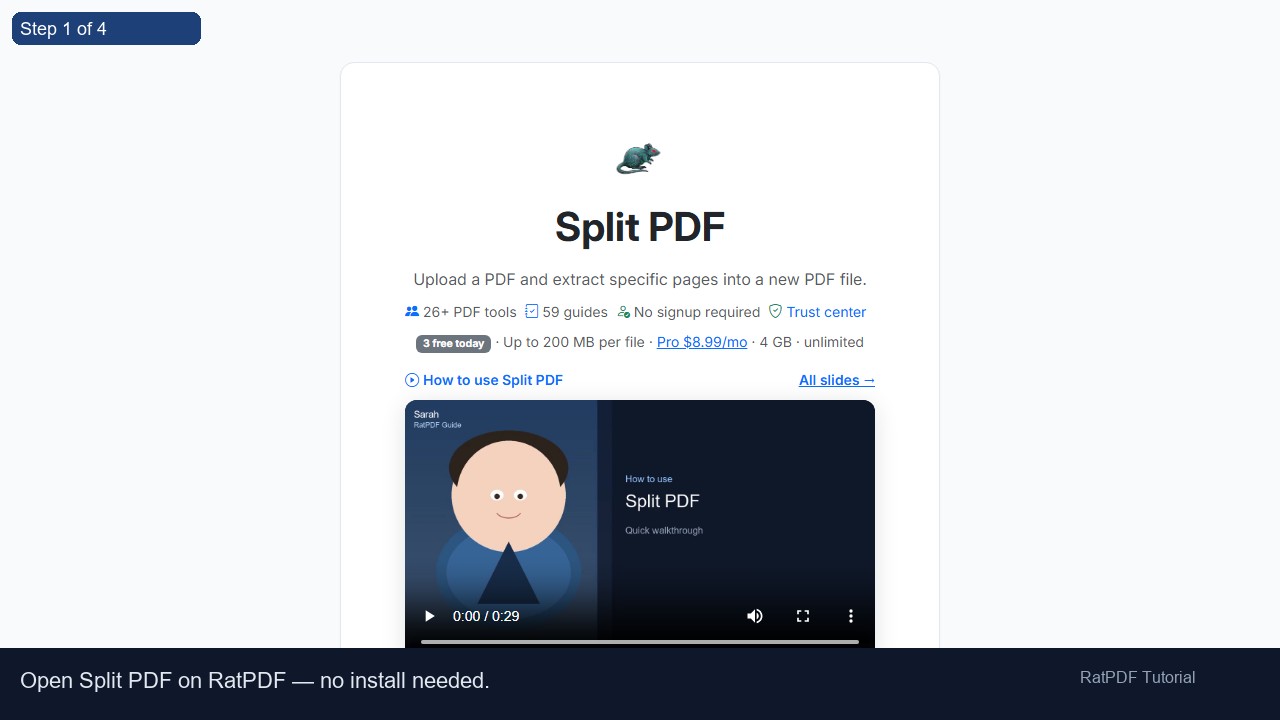 1
1
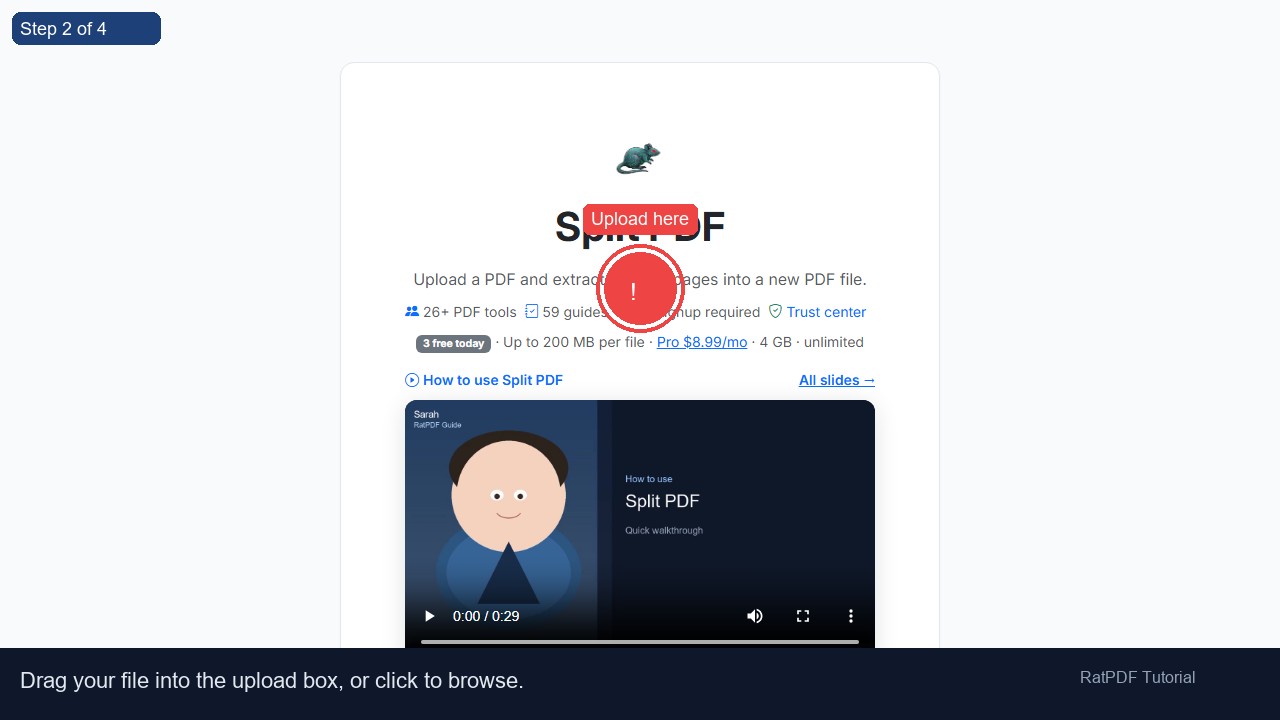 2
Upload here
2
Upload here
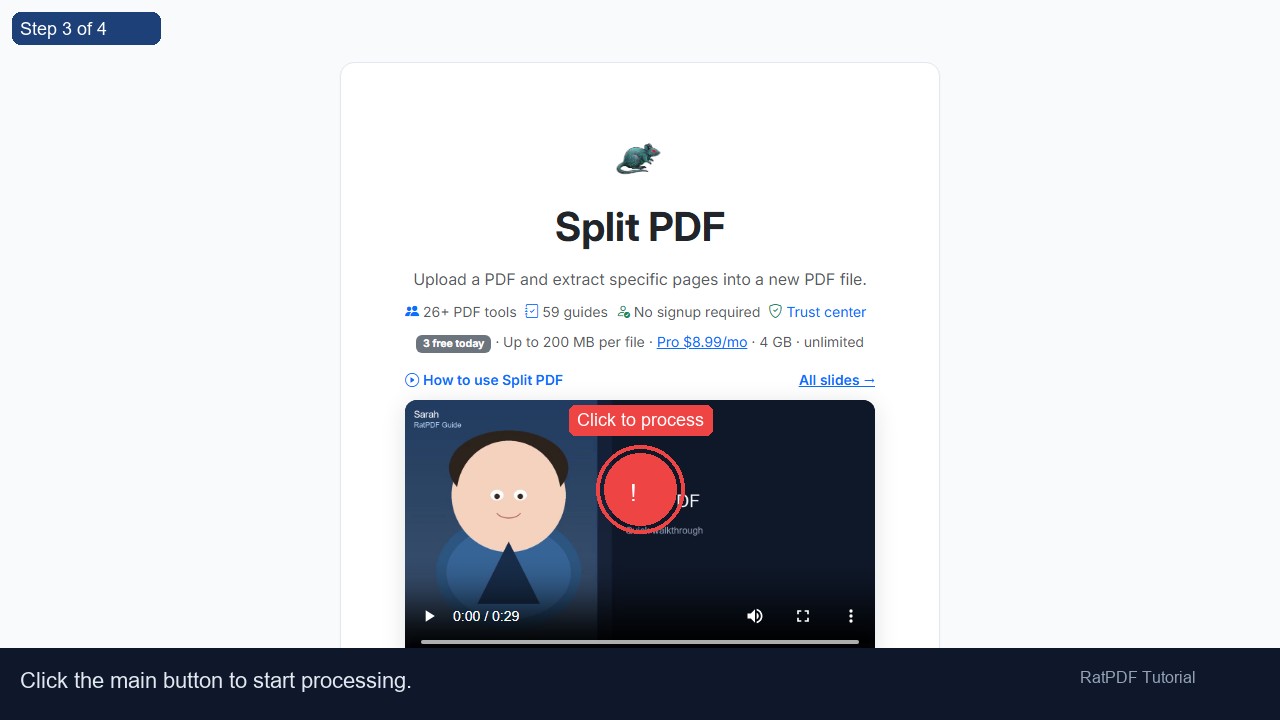 3
Click to process
3
Click to process
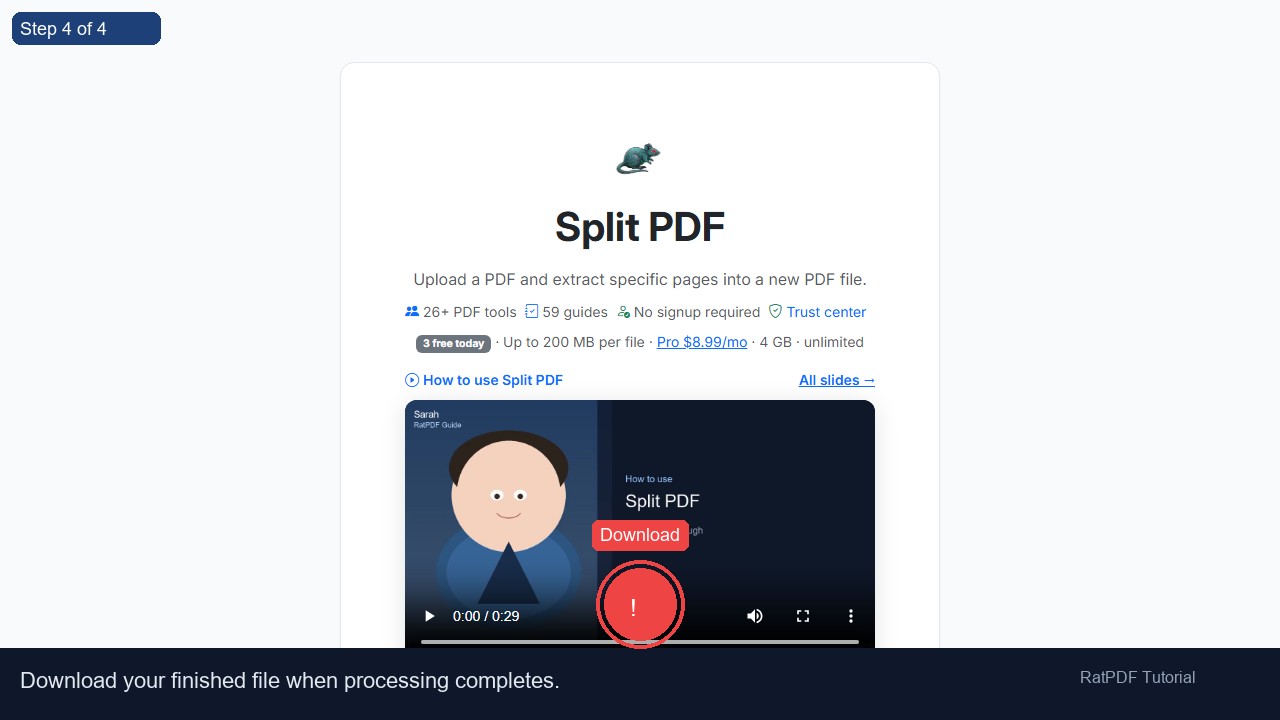 4
Download
4
Download
How to Split a PDF Online
Working with large PDF files can be cumbersome when you only need specific pages. Our PDF splitter online allows you to quickly extract selected pages or split a PDF into multiple smaller files. The process is secure, fast, and free, requiring no software installation or account registration. Whether for business, education, or personal projects, this tool makes managing PDF pages effortless.
Introduction
PDF files are widely used for documents such as reports, eBooks, invoices, contracts, and manuals. However, large PDFs can be difficult to share, edit, or extract information from. Splitting PDFs into smaller, more manageable files allows you to focus on only the pages you need, making document handling much easier.
Our online PDF splitter provides a quick and secure solution for extracting pages or creating multiple PDFs from a single document. It works on all devices—including Windows, Mac, Android, and iOS—directly from your browser, so you can split PDFs anytime, anywhere.
Step-by-Step Guide to Split a PDF
Splitting a PDF online is simple and intuitive. Follow these steps to extract pages or create smaller PDFs:
- Upload your PDF file: Drag and drop your PDF into the upload area or click to select it from your device.
- Enter the page range: Specify which pages you want to extract using the “Start Page” and “End Page” fields.
- Click “Split PDF”: The tool will generate a new PDF containing only the selected pages.
- Download your new PDF: After processing, download the extracted pages or newly split PDFs instantly.
This process is fast, secure, and works entirely in your browser, requiring no installation or registration.
Benefits of Using Our PDF Splitter
Using our online PDF splitter comes with several advantages for both personal and professional users:
- Free and convenient: Split PDF files without paying or registering.
- Quick and accurate: Extract selected pages or create smaller PDFs in seconds.
- Secure and private: Files are encrypted during upload and deleted after processing.
- Cross-platform compatibility: Works on Windows, Mac, Android, and iOS devices.
- No installation needed: Split PDFs online without downloading additional software.
- Efficient page management: Extract, separate, or reorganize PDF pages with ease.
By splitting PDFs, you can create customized documents tailored for sharing, editing, or archiving purposes.
Use Cases for PDF Splitting
Our PDF splitter is suitable for many professional, academic, and personal scenarios:
1. Business Reports and Invoices
Extract specific sections of long reports or separate invoices for easier management and sharing with colleagues or clients.
2. Academic Assignments and Research Papers
Students and educators can split research papers, project reports, or study materials into manageable parts for submission, review, or analysis.
3. Contracts and Legal Documents
Lawyers and administrative professionals can extract pages or split contracts and agreements into smaller documents for easier handling or filing.
4. eBooks and Manuals
Authors or readers can separate chapters from large eBooks or manuals for easier reading, sharing, or archiving.
5. Personal Document Management
Individuals can split scanned letters, forms, or notes into smaller PDFs for storage, sharing, or personal organization.
Why Choose Our Online PDF Splitter?
Many PDF splitting tools exist, but our online splitter stands out because of its simplicity, speed, and security:
- User-friendly: No technical skills required. Split PDFs in a few clicks.
- Secure processing: Files are encrypted and removed after processing.
- Device-independent: Works on any modern browser across Windows, Mac, Android, and iOS.
- Fast results: Process large PDFs quickly without waiting for lengthy uploads or downloads.
- Customizable page selection: Extract exactly the pages you need for maximum efficiency.
The tool is regularly updated to support all PDF formats, ensuring smooth performance every time.
FAQ: Frequently Asked Questions About PDF Splitting
Q1: Is this PDF splitter free?
Yes, our online PDF splitter is completely free. You can split PDFs without paying or subscribing to any service.
Q2: Do I need an account?
No registration or account is required. Simply upload your PDF, split it, and download the new files instantly.
Q3: Can I split PDFs on my smartphone or tablet?
Yes, the tool is fully responsive and works on Android and iOS devices directly in your browser.
Q4: Can I extract multiple ranges at once?
Yes, you can process multiple page ranges in separate sessions. Each extraction ensures accuracy and preserves formatting.
Q5: Will the quality of my PDF change after splitting?
No, splitting pages does not affect the quality or formatting of your PDF. Text, images, and layout remain intact.
Q6: Is my data secure during processing?
Absolutely. Files are uploaded securely over HTTPS and deleted from our servers after processing to protect your privacy.
Q7: Can I split scanned PDFs?
Yes, our splitter supports both text-based and scanned PDFs. The extracted pages maintain the original quality.
Q8: Can I merge the split PDFs back together?
Yes, after splitting, you can use our free PDF merger tool to combine pages or documents back into a single PDF if needed.
Conclusion
Splitting PDFs online is now fast, secure, and effortless. Our free PDF splitter allows you to extract selected pages or divide large PDFs into smaller files without installing software or creating an account. Perfect for business reports, invoices, contracts, eBooks, and personal documents, this tool makes PDF page management easy.
With full compatibility across devices and a simple, user-friendly interface, splitting PDFs is fast, accurate, and reliable. Start managing your PDF pages efficiently today.
Upload your PDF, select the pages you need, click “Split PDF,” and download your new document instantly. Simplify PDF handling with our free online PDF splitter.