
Text to PDF
Upload a text file or type your content below to convert it into a PDF.
Checking free uses… · Up to 200 MB per file · Pro $8.99/mo · 4 GB · unlimited
How to use Text to PDF
All slides →4 step slides · red markers show where to click
 1
1
 2
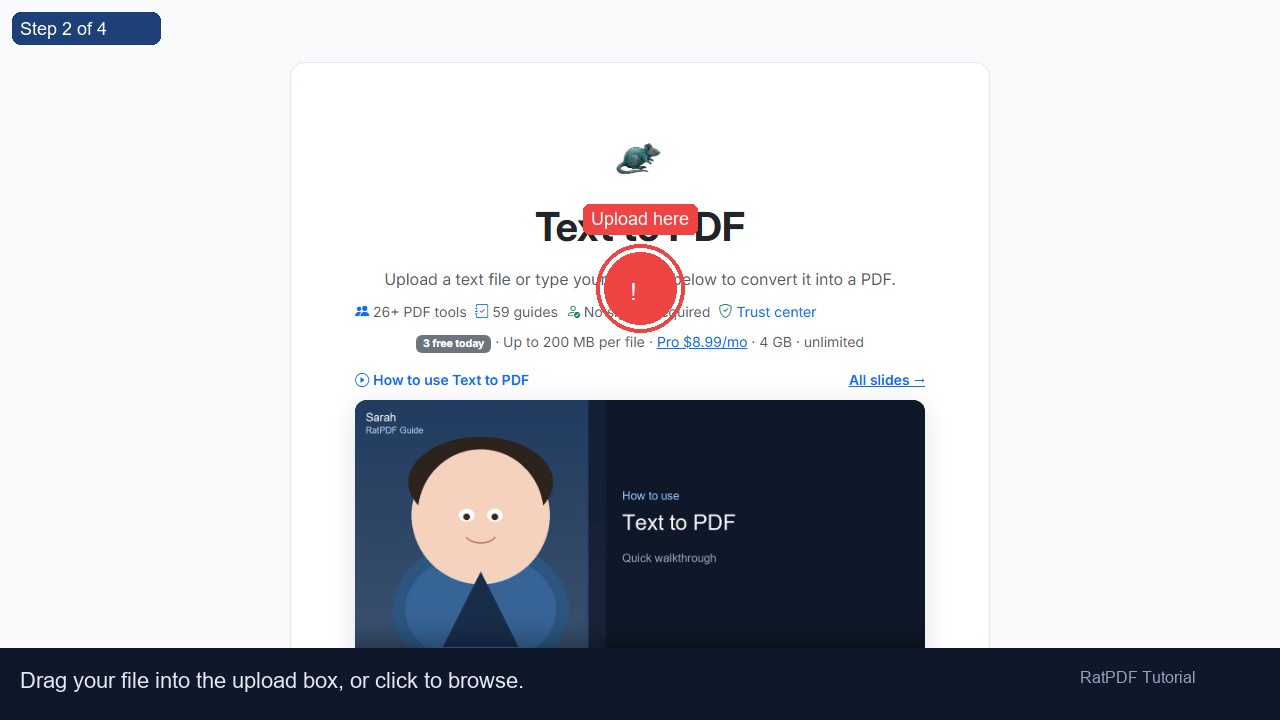
Upload here
2
Upload here
 3
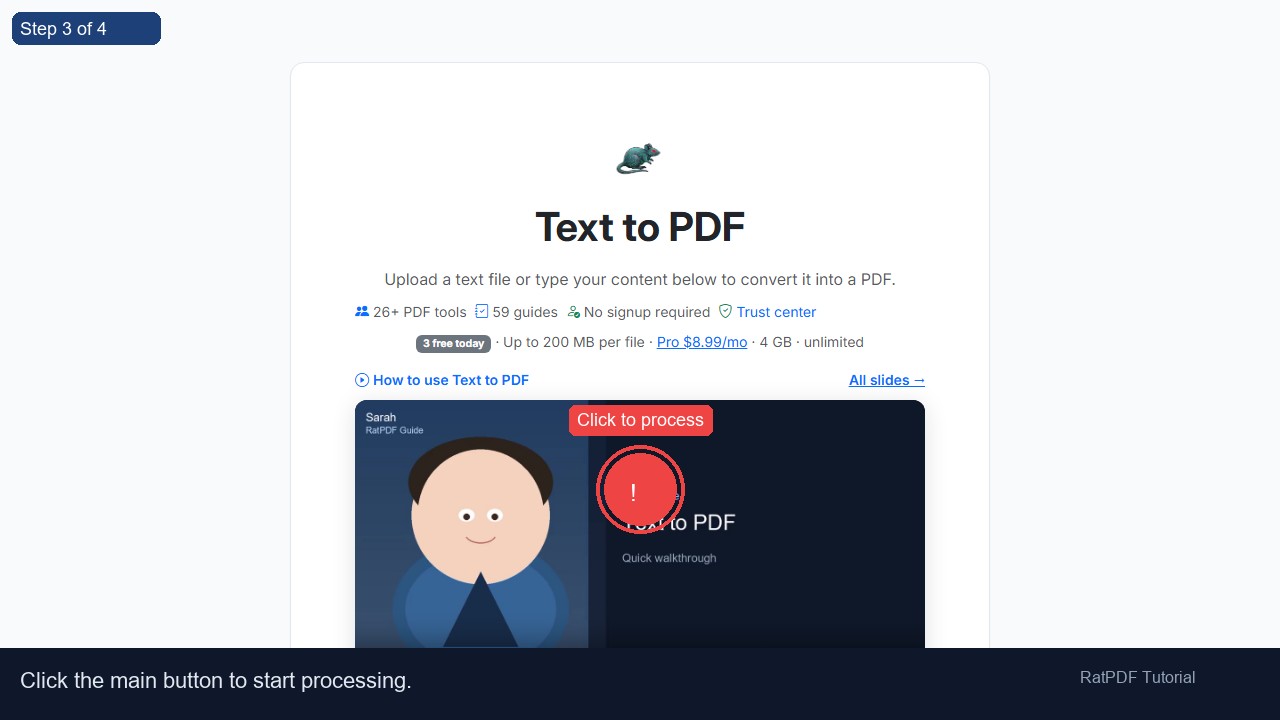
Click to process
3
Click to process
 4
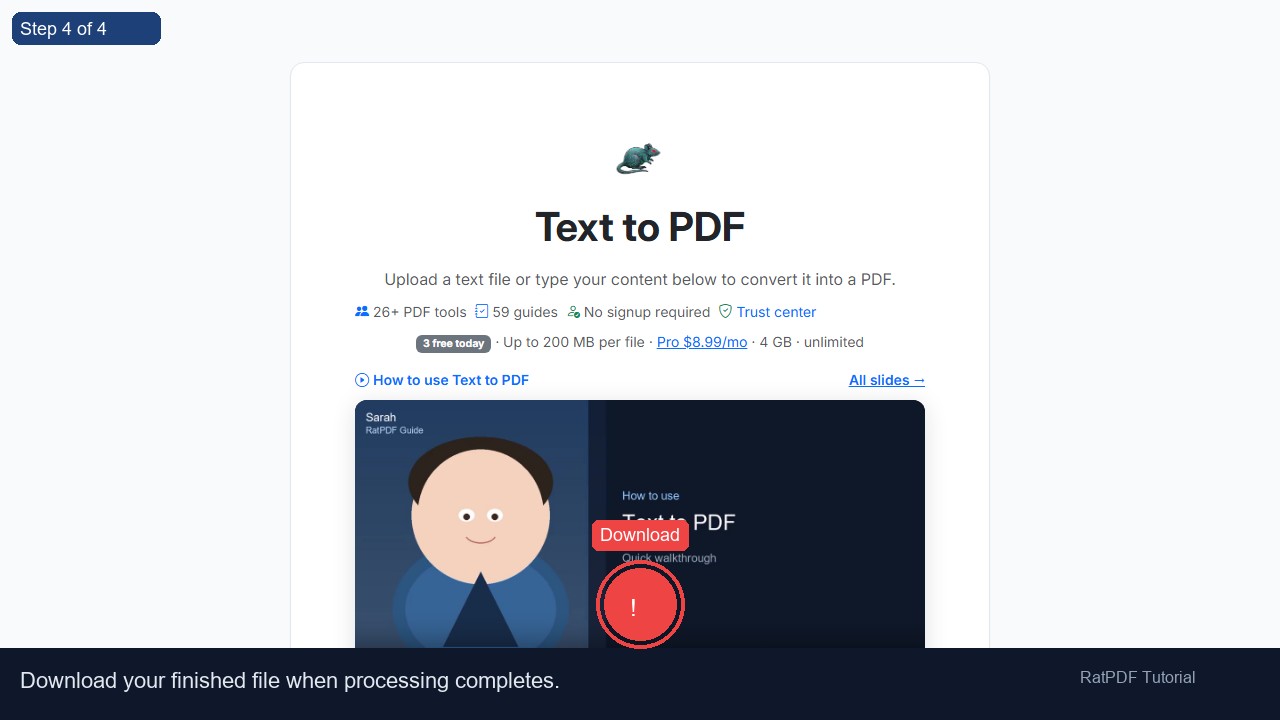
Download
4
Download
How to Convert Text to PDF Online
Turning plain text into a well-formatted PDF has never been easier. Our Text to PDF converter online allows you to create PDF documents from plain text files or directly from typed content in your browser. The process is fast, secure, and free, requiring no software installation or account registration. Whether you’re preparing reports, notes, articles, or personal documents, this tool lets you convert text to PDF efficiently and professionally.
Introduction
PDF is a universally accepted format for documents because it preserves formatting, fonts, and layout across devices. Often, content is first created as plain text or in simple text files, which are difficult to share or present professionally. Converting text to PDF ensures your documents maintain a clean, organized appearance while remaining compatible with all devices.
Our online Text to PDF converter allows you to either upload existing .txt files or type your content directly into a text area. It instantly generates a PDF file that can be downloaded and shared, making the workflow smooth, convenient, and fully browser-based. This eliminates the need for desktop applications or complex formatting steps.
Step-by-Step Guide to Convert Text to PDF
Creating a PDF from text is simple. Follow these steps to generate your professional PDF:
- Upload a text file: Drag and drop your .txt file into the upload area or select it from your device.
- Or type your content: Enter your text directly into the provided text box. You can type notes, reports, articles, or any textual content.
- Click “Convert to PDF”: The tool processes your text and generates a PDF instantly.
- Download your PDF: Once processing is complete, download your PDF immediately to your device. Your content is now in a professional, shareable format.
The entire process is online, requiring no technical skills or desktop software. The PDF output retains clear formatting, ensuring readability and professionalism.
Benefits of Using Our Text to PDF Converter
Using our online tool to convert text to PDF offers several advantages:
- Free and accessible: Convert text to PDF without paying or registering an account.
- Fast and efficient: Generate PDFs in seconds, saving time compared to manual formatting in desktop software.
- Secure and private: Files are processed securely and deleted from our servers after conversion.
- Device compatibility: Works on Windows, Mac, Android, and iOS devices directly in your browser.
- No software installation required: Create PDFs online without downloading applications.
- Professional output: Your text is converted into a clean, well-structured PDF ready for sharing or printing.
This tool is ideal for students, professionals, and casual users who want to convert notes, articles, or reports into a shareable PDF format quickly.
Use Cases for Text to PDF Conversion
Our Text to PDF converter is versatile and can be used in multiple scenarios across education, business, and personal use:
1. Academic Assignments and Research Papers
Students can convert essays, assignments, or research notes into professional PDF documents for submission. Teachers can use it to create PDF handouts or reading materials.
2. Business Reports and Proposals
Professionals can convert reports, meeting notes, proposals, or business plans into PDF format, ensuring consistent formatting and easy sharing with clients and colleagues.
3. Articles, Blogs, and Publications
Writers and content creators can convert drafts, articles, or blog content into PDFs for distribution, printing, or portfolio use.
4. Personal Notes and Letters
Individuals can convert personal notes, letters, or journaling content into PDFs for archiving, sharing, or printing purposes.
5. Digital Documentation
Government or corporate forms, questionnaires, or textual documentation can be converted to PDF to standardize files and simplify digital record keeping.
Why Choose Our Online Text to PDF Converter?
While many tools exist for converting text to PDF, our solution offers unmatched simplicity, speed, and reliability:
- Ease of use: Anyone can convert text to PDF in a few clicks, with no technical knowledge required.
- Fast and reliable: Process large text files in seconds without delays.
- Secure and private: Files are encrypted during upload and deleted after conversion.
- Cross-platform support: Works on any modern browser, including Windows, Mac, Android, and iOS devices.
- High-quality PDF output: Text is converted cleanly, producing readable and professional documents.
This tool is continuously updated to support all text file types and ensure smooth performance across devices.
FAQ: Frequently Asked Questions About Text to PDF Conversion
Q1: Is this Text to PDF converter free?
Yes, the tool is completely free. You can convert text files or typed content into PDFs without any subscription or payment.
Q2: Do I need to create an account?
No account or registration is required. Simply upload your text or type content and download the PDF instantly.
Q3: Can I convert text on my smartphone or tablet?
Absolutely. The tool is fully responsive and works on Android and iOS devices through your browser.
Q4: Can I type text directly instead of uploading a file?
Yes, you can type your content directly into the text area provided, and it will be converted into a PDF instantly.
Q5: Will the formatting of my text change?
The tool preserves text formatting in a clean, professional layout. Line breaks, paragraphs, and spacing are maintained for readability.
Q6: Are my files secure during conversion?
Yes, all files are processed securely over HTTPS and deleted from servers after conversion to protect your privacy.
Q7: Can I convert large text files?
Yes, the converter handles large text files efficiently, producing a PDF without errors or data loss.
Q8: Can I print the PDFs after conversion?
Yes, the generated PDFs are fully printable and compatible with any PDF viewer or printer.
Conclusion
Converting text to PDF has never been easier. Our free online Text to PDF converter allows you to generate professional PDF documents from plain text or typed content quickly and securely. Perfect for reports, articles, notes, letters, and digital documentation, this tool eliminates the need for desktop software or complex formatting.
With full compatibility across devices and a simple, user-friendly interface, converting text to PDF is fast, reliable, and hassle-free. Start creating professional PDFs today directly in your browser.
Upload your text file or type your content, click “Convert to PDF,” and download your document instantly. Simplify document creation with our free online Text to PDF converter.