
Add Watermark
Upload a PDF and add a text watermark to all pages.
Checking free uses… · Up to 200 MB per file · Pro $8.99/mo · 4 GB · unlimited
How to use Watermark PDF
All slides →4 step slides · red markers show where to click
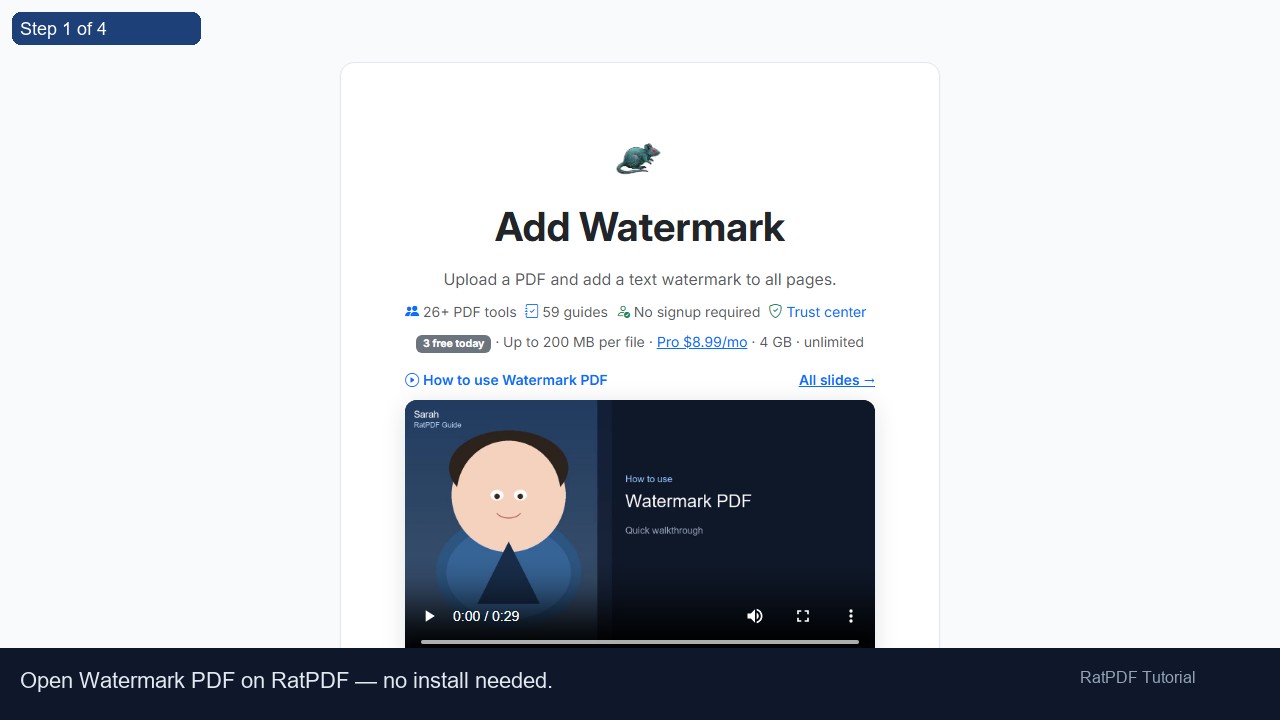 1
1
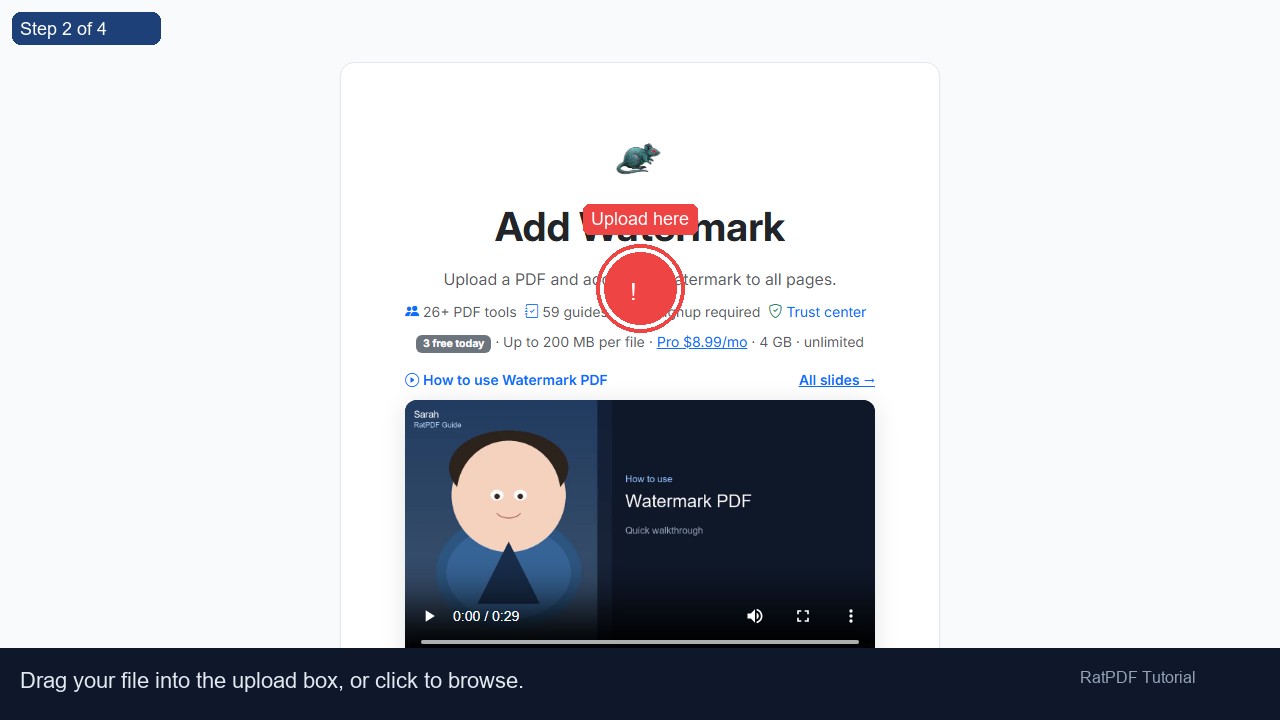 2
Upload here
2
Upload here
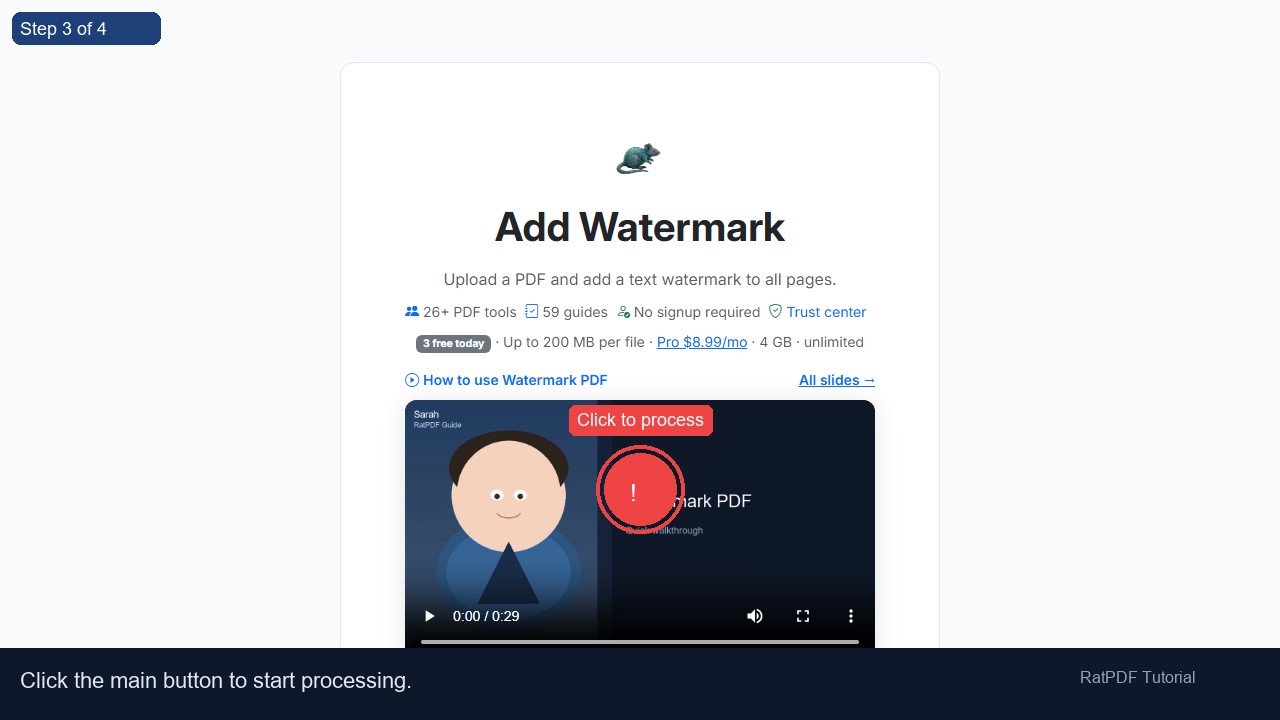 3
Click to process
3
Click to process
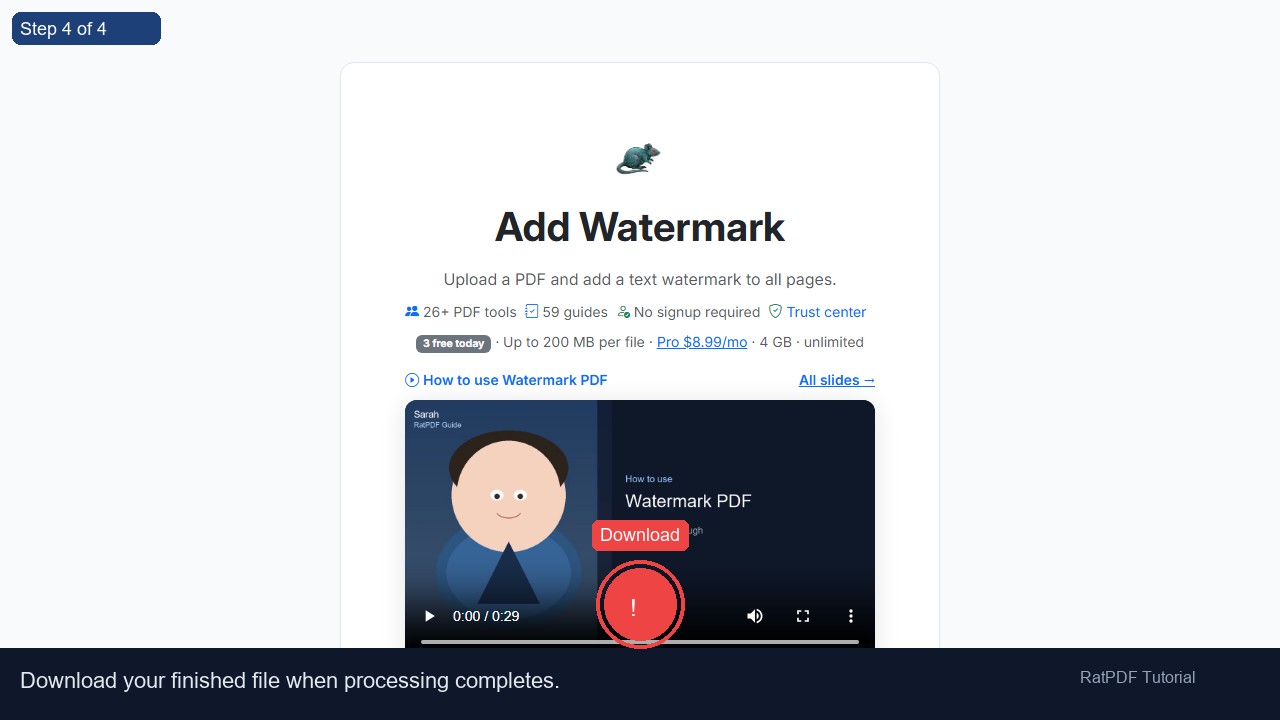 4
Download
4
Download
How to Add a Watermark to Your PDF
Adding a watermark to your PDF is a simple way to protect your content, mark drafts, or brand your documents professionally. Our PDF watermark tool online allows you to add custom text watermarks to one or multiple pages of your PDF quickly and securely. The process works entirely in your browser, requires no software installation, and is completely free.
Introduction
PDFs are commonly used for sharing official documents, reports, eBooks, and presentations. However, when sharing sensitive or original content, there is always a risk of unauthorized copying or distribution. Adding a watermark ensures that your content is clearly labeled, branded, or protected without altering the original information.
Our online PDF watermark tool enables users to insert customized text watermarks across all pages or specific pages of a PDF. This method enhances document security, maintains professional appearance, and works on Windows, Mac, Android, and iOS devices directly in your browser.
Step-by-Step Guide to Add a Watermark to PDF
Adding a watermark to your PDF online is simple and intuitive. Follow these steps:
- Upload your PDF file: Drag and drop your PDF into the upload area or select it from your device.
- Enter the watermark text: Type the text you want to appear on your PDF pages. This could be “DRAFT,” “CONFIDENTIAL,” or a brand name.
- Click “Add Watermark”: The tool applies the watermark across all selected pages instantly.
- Download your watermarked PDF: Once processing is complete, download your PDF with the watermark applied.
The process is fully online, safe, and requires no technical expertise, making it ideal for professionals, students, and casual users alike.
Benefits of Using Our PDF Watermark Tool
Using our online watermark tool provides multiple advantages:
- Free and easy to use: Add watermarks without paying or registering an account.
- Protect sensitive content: Mark your PDFs as drafts, confidential, or proprietary.
- Brand your documents: Use your company name, logo, or unique text for branding purposes.
- Fast and reliable: Apply watermarks to one or multiple pages instantly.
- Cross-platform support: Works on Windows, Mac, Android, and iOS directly in your browser.
- No software installation required: Complete the process entirely online.
- Secure and private: Files are encrypted during upload and deleted after processing.
By using this tool, you can maintain control over your documents while ensuring professional presentation and compliance with privacy or copyright standards.
Use Cases for PDF Watermarks
Our PDF watermark tool is versatile and suitable for a wide variety of scenarios:
1. Protect Confidential Documents
Mark reports, contracts, or sensitive files as “CONFIDENTIAL” to prevent unauthorized sharing or copying.
2. Draft Versions of Reports
Use the watermark “DRAFT” on incomplete reports or presentations to indicate that the document is a work in progress.
3. Branding Business Documents
Add your company name or slogan as a watermark to invoices, proposals, or marketing materials to reinforce branding and professionalism.
4. Academic Work
Students and educators can watermark assignments, research papers, or teaching materials with their name, school, or “COPYRIGHT” to indicate ownership.
5. eBooks and Digital Publications
Authors can add watermarks to eBooks or digital publications to protect their content from unauthorized distribution.
Why Choose Our Online PDF Watermark Tool?
While there are many watermark tools available, our solution stands out for its simplicity, speed, and security:
- Intuitive interface: Add watermarks in just a few clicks, with no learning curve.
- Quick processing: Apply watermarks to multiple pages instantly.
- Full browser compatibility: Works on all modern browsers and devices.
- Customizable text: Choose any text for your watermark, making it suitable for branding, protection, or labeling.
- Secure and private: All files are processed over secure HTTPS connections and deleted after completion.
Our tool is continuously updated to ensure smooth performance across devices and all PDF standards.
FAQ: Frequently Asked Questions About PDF Watermarks
Q1: Is this PDF watermark tool free?
Yes, our online PDF watermark tool is completely free. You can add watermarks to PDFs without paying or subscribing.
Q2: Do I need an account?
No registration is required. Simply upload your PDF, add the watermark, and download your document instantly.
Q3: Can I use this tool on mobile devices?
Yes, the tool is fully responsive and works on Android and iOS devices directly in your browser.
Q4: Can I watermark all pages of a PDF?
Yes, the tool can apply your watermark to all pages automatically or you can choose specific pages.
Q5: Will adding a watermark affect the PDF quality?
No, your PDF’s quality, layout, and formatting remain intact. Only the watermark is added on top of your existing content.
Q6: Can I customize the watermark text?
Yes, you can add any text you want as a watermark, including “DRAFT,” “CONFIDENTIAL,” your name, or company branding.
Q7: Are my files secure during processing?
Absolutely. Files are encrypted during upload and deleted from our servers immediately after processing to protect your privacy.
Q8: Can I remove the watermark after adding it?
Once the watermark is applied and the PDF is downloaded, it becomes part of the document. Keep a backup of your original file if you may need an unmarked version later.
Conclusion
Adding watermarks to PDFs has never been easier. Our free online PDF watermark tool allows you to protect, label, and brand your documents securely and efficiently. Whether for business, academic, or personal use, the tool ensures your PDFs are professional and secure.
Fully compatible across devices and browsers, this tool allows you to add custom text watermarks to any PDF instantly. Start protecting your documents today by uploading your PDF, entering your watermark text, clicking “Add Watermark,” and downloading your updated file.
Simplify PDF protection and branding with our free online PDF watermark tool—secure, fast, and easy to use.