How to Convert Excel to PDF Online
Sharing Excel spreadsheets in PDF format ensures that your data is preserved and easily accessible across devices. Whether it’s financial reports, invoices, or project spreadsheets, PDFs maintain the layout, fonts, tables, and formulas for professional presentation.
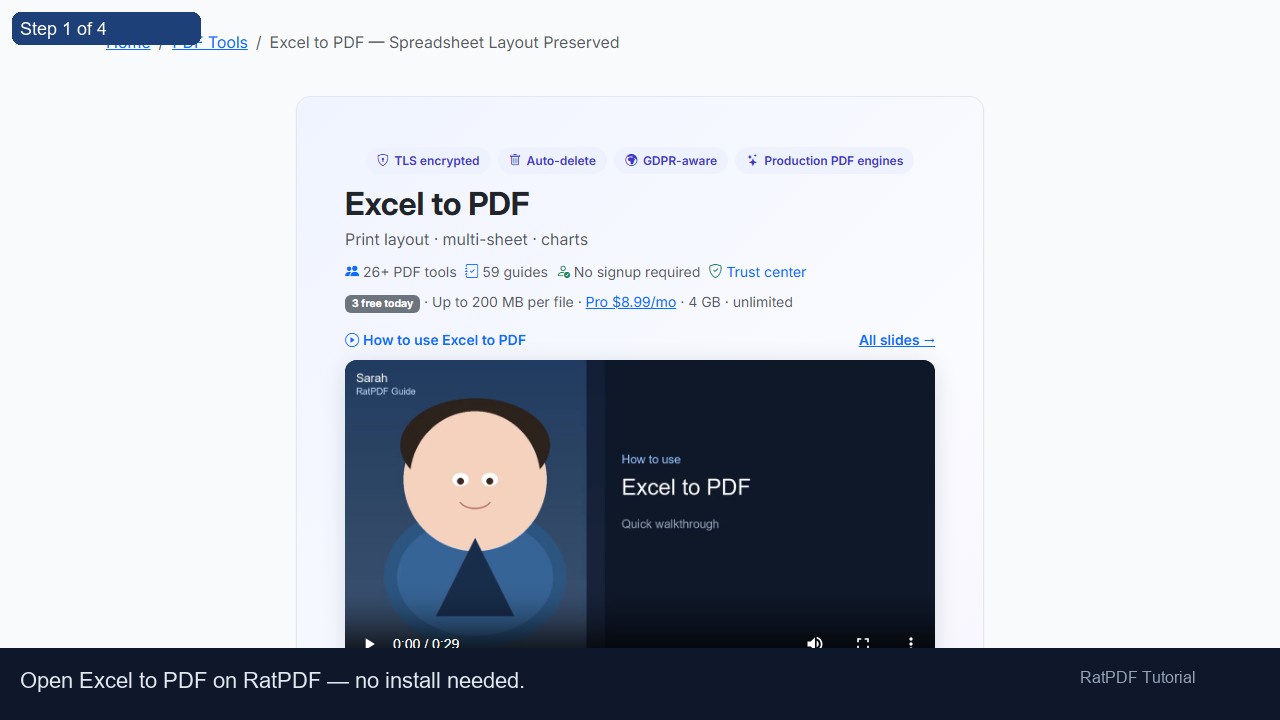
Our free online Excel to PDF converter allows you to turn XLS, XLSX, or CSV files into high-quality PDFs quickly and securely—without installing any software or creating an account.
Step-by-Step Guide: Convert Excel to PDF
Converting your Excel spreadsheets to PDF is simple. Just follow these easy steps:
-
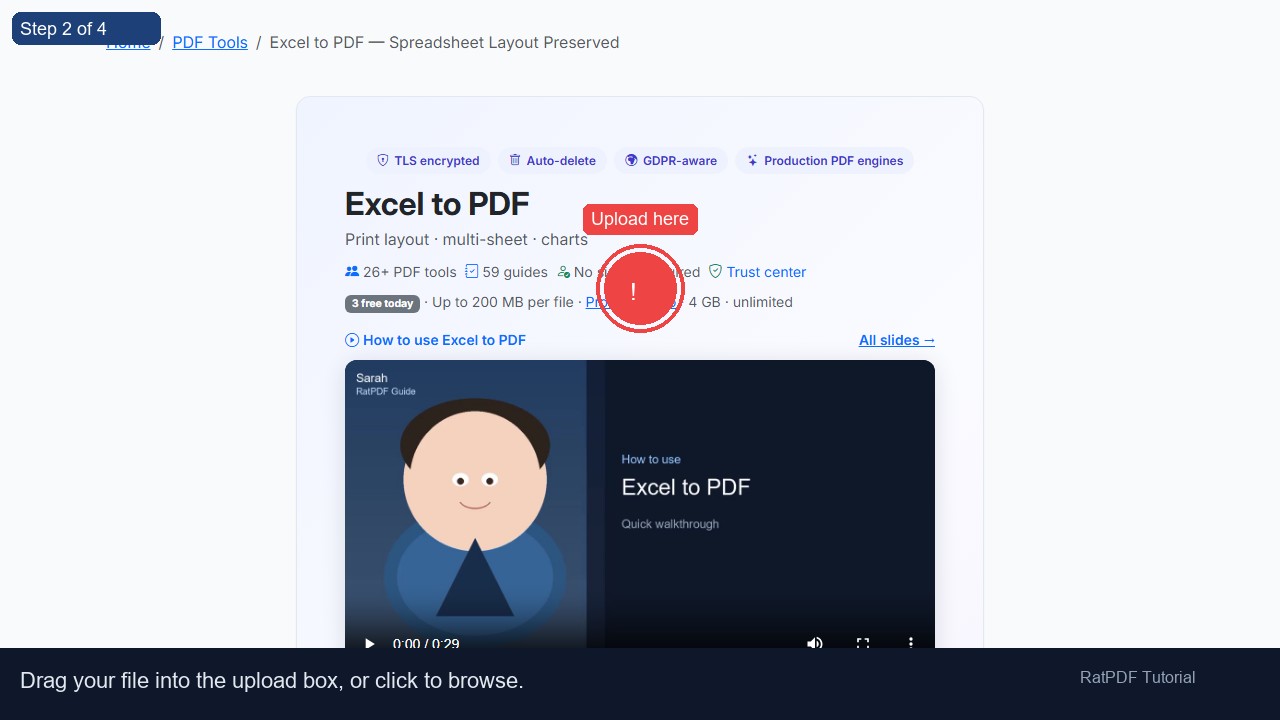
Upload your Excel file – Select your XLS, XLSX, or CSV file using the upload button. You can also drag and drop files directly into the upload area.
-
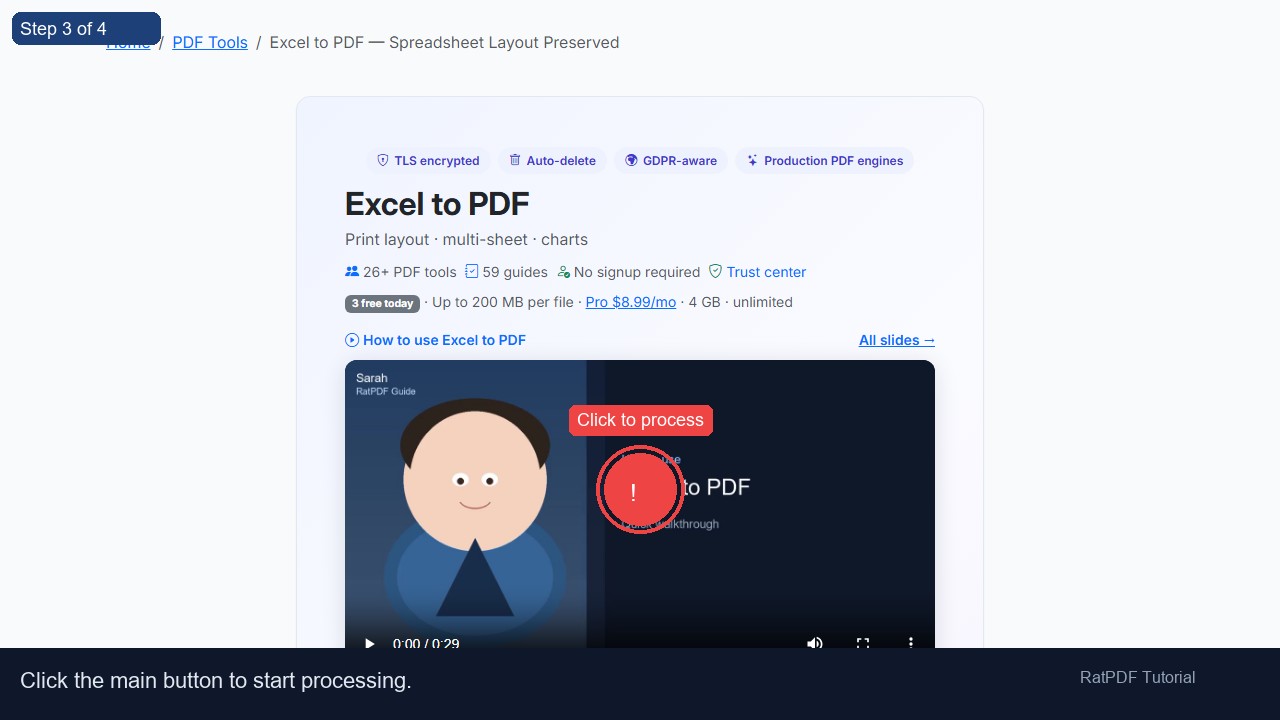
Click “Convert to PDF” – Start the conversion process. Our tool preserves all tables, rows, columns, and formatting from your original spreadsheet.
-
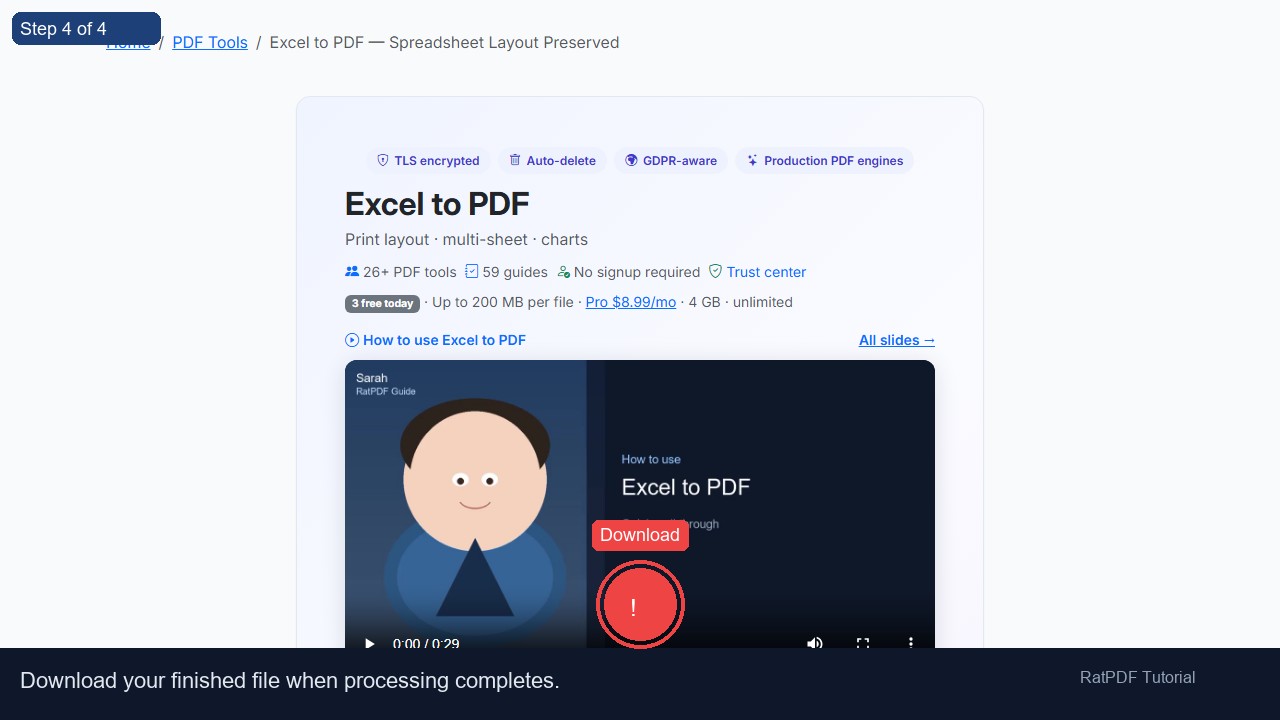
Download your PDF – Once conversion is complete, your PDF is ready for instant download. You can share it, store it, or print it as needed.
Why Use Our Excel to PDF Converter?
- ✔ Free online conversion: Convert XLS, XLSX, and CSV files to PDF without paying any fees.
- ✔ Preserves formatting: Maintain tables, formulas, and cell formatting for accurate PDF representation.
- ✔ Secure and private: All uploads are encrypted, and files are automatically deleted from our servers after conversion.
- ✔ Cross-platform support: Works seamlessly on Windows, Mac, Android, and iOS devices.
- ✔ No software installation or signup: Convert Excel spreadsheets to PDF directly from your browser instantly.
Common Use Cases for Excel to PDF Conversion
This online tool is ideal for both personal and professional purposes, ensuring spreadsheets can be easily shared, printed, and archived:
- Financial Reports: Convert monthly, quarterly, or annual financial statements to PDF for distribution or record-keeping.
- Invoices: Share professional invoices in PDF format to ensure they are readable and uneditable by recipients.
- Project Plans: Preserve task lists, Gantt charts, and timelines in PDF for meetings or presentations.
- Academic Spreadsheets: Students and educators can convert grade sheets, schedules, and data tables for submission or review.
- Data Archiving: Store spreadsheets in PDF format for easy access and long-term preservation without software dependency.
Benefits of Using Our Excel to PDF Converter
- Consistent Layout: PDFs retain all formatting, cell alignment, and table structures.
- Universal Compatibility: PDF files can be opened on any device without needing Microsoft Excel.
- Professional Presentation: Ideal for sharing reports, invoices, and business documents with clients and colleagues.
- Quick and Efficient: Convert spreadsheets in seconds without waiting for software installation.
- Secure Processing: All files are encrypted during upload, ensuring confidentiality and privacy.
Tips for Best Results
- Ensure that your spreadsheet is finalized with proper formatting before conversion.
- Check that all important columns and rows are visible and not hidden to avoid missing data in the PDF.
- For large files, consider converting in smaller sections to speed up processing.
- Preview the PDF after conversion to verify that all tables, formulas, and charts are accurately represented.
Frequently Asked Questions (FAQ)
Q1: Is it safe to upload Excel files?
Yes. All uploads are encrypted, and files are automatically deleted from our servers after the conversion process to ensure privacy and security.
Q2: Will my PDF retain the original spreadsheet layout?
Absolutely. All tables, charts, rows, columns, and cell formatting are preserved for a professional-quality PDF output.
Q3: Can I convert CSV files to PDF?
Yes. Our tool supports XLS, XLSX, and CSV files, allowing you to create PDFs from a variety of spreadsheet formats.
Q4: Do I need to install any software?
No. This is a fully online solution that works directly in your browser. You don’t need to install any additional software or plugins.
Q5: Which devices and browsers are supported?
The converter works on Windows, Mac, Android, and iOS devices and is compatible with Chrome, Firefox, Safari, and Edge browsers.
Q6: Can I convert multiple Excel files at once?
Currently, the tool processes one file at a time. For multiple files, repeat the conversion process for each spreadsheet.
Conclusion
Converting Excel spreadsheets to PDF has never been easier. Our free online Excel to PDF converter ensures that all tables, charts, and formatting are preserved while producing a professional PDF that can be shared, printed, or archived.
Whether you are a student, professional, or business user, this tool provides a fast, reliable, and secure solution for turning Excel files into high-quality PDFs. Try our Excel to PDF converter today and simplify your document workflow.